
How to Pay in China as a Foreigner
- Topic
- Payments· Essential
- Difficulty
- Easy
- Time needed
- 2 minutes per payment
- Last updated
- Aug 6, 2026
Quick answer
- There are two directions. You scan them from Scan, or they scan you from Pay/Collect. Everything else is detail.
- When you scan, you type the amount yourself. No cashier checks the number for you, so read it before you tap Pay.
- Your payment code is money. Only open it when someone is about to scan it, and never screenshot or send it to anyone.
Step-by-step guide
Step 1
First, work out which direction the payment goes
Look for a QR standee on the counter. If there is one, you scan it. If the staff is holding a scanner gun or a terminal, or you are at a self-checkout, they scan you. When in doubt, open Scan first — if the merchant wanted to scan you, they will point at their machine and you switch.
Step 2
Point your camera at the merchant's QR code
Hold the phone over the standee or sticker and let the camera focus. The blue standee reading 扫我付款 means scan me to pay. You do not need to read it — a QR code on a counter almost always means this.
Step 3
Type the amount and tap Pay
The merchant's name appears at the top, then a keypad. You type the amount yourself. This is the part visitors find strange: nobody is confirming the number on their side before you confirm it on yours.
Step 4
Check the confirmation before you walk away
Payment Successful appears with the amount, the merchant's full name, and which card was charged. Look at all three. This screen is your receipt — most small merchants will not give you a paper one.
The other direction
When the merchant scans you
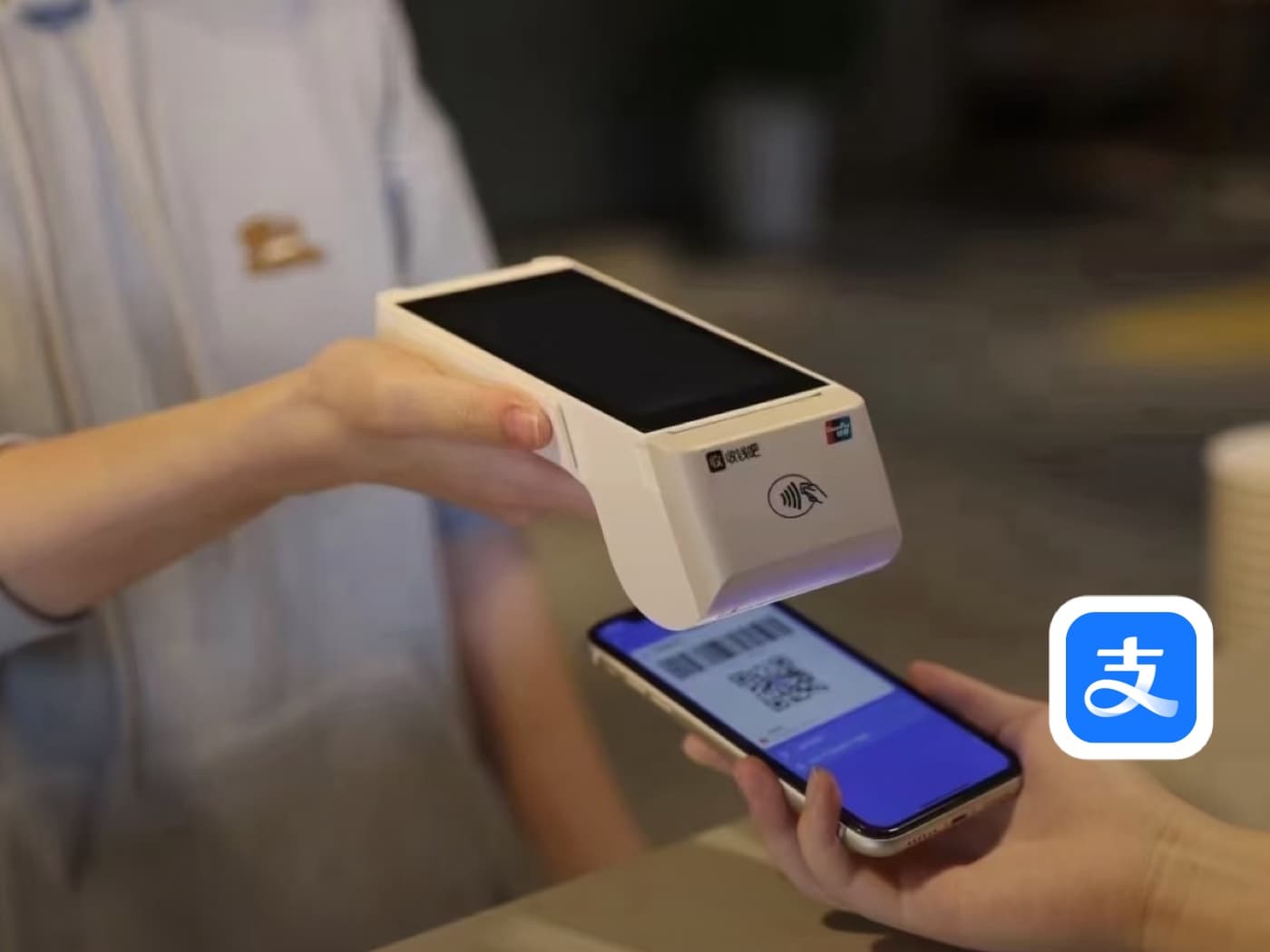
Supermarkets, chain stores, restaurants with a till, and every self-checkout work the other way round: the staff or the machine scans a code on your phone, and the amount is already in their system. You never type anything.
Step 1
Open Pay/Collect instead of Scan
On the Alipay home screen, tap Pay/Collect — the icon immediately to the right of Scan. In WeChat the same screen is under Me › Services › Money, or the + button at the top right.
Step 2
Show your payment code
The screen shows a barcode on top and a QR code below it. Either can be scanned — the merchant's device decides which. Your default payment method is listed underneath, so check it is the card you meant to use.
Step 3
At a self-checkout, hold the code to the scanner
Self-checkout kiosks have a small glass scanning window, usually low down and angled upward. Hold your screen flat against it. The kiosk screen tells you when it has read the code and shows the total.
Step 4
At a counter, let the staff scan your phone
The cashier points a handheld terminal at your screen. The amount is already entered on their side, so there is nothing for you to type. Wait for the beep and for your own phone to show the confirmation before putting it away.
Once both directions are familiar, almost every counter in China is the same two gestures: open Scan, or open Pay/Collect.
Keep going
Related practical guides
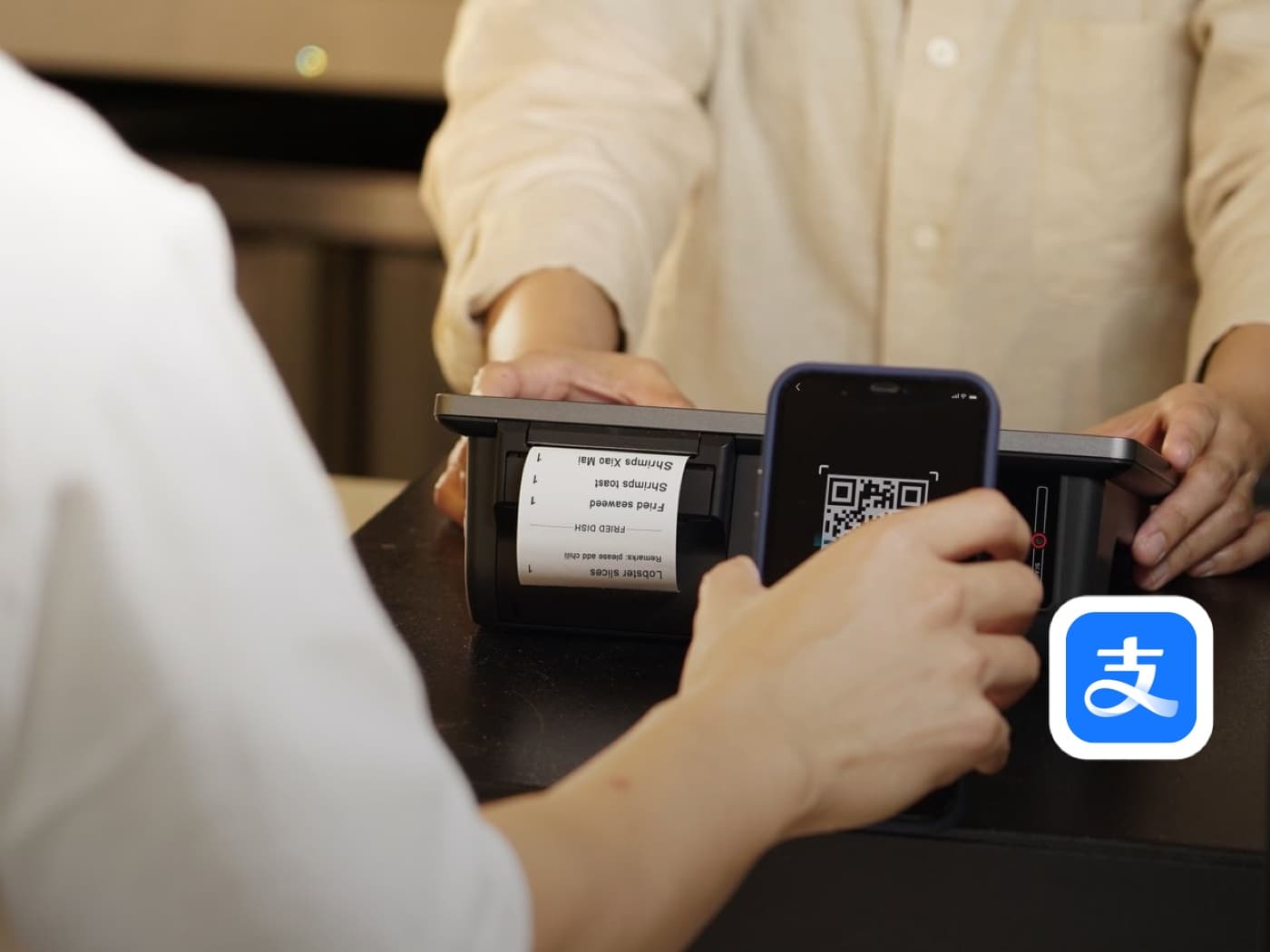
How to Set Up Alipay as a Foreigner in China
Set up Alipay before you arrive: register, verify your passport, and link a foreign card so you can pay by QR code from your first day in China.
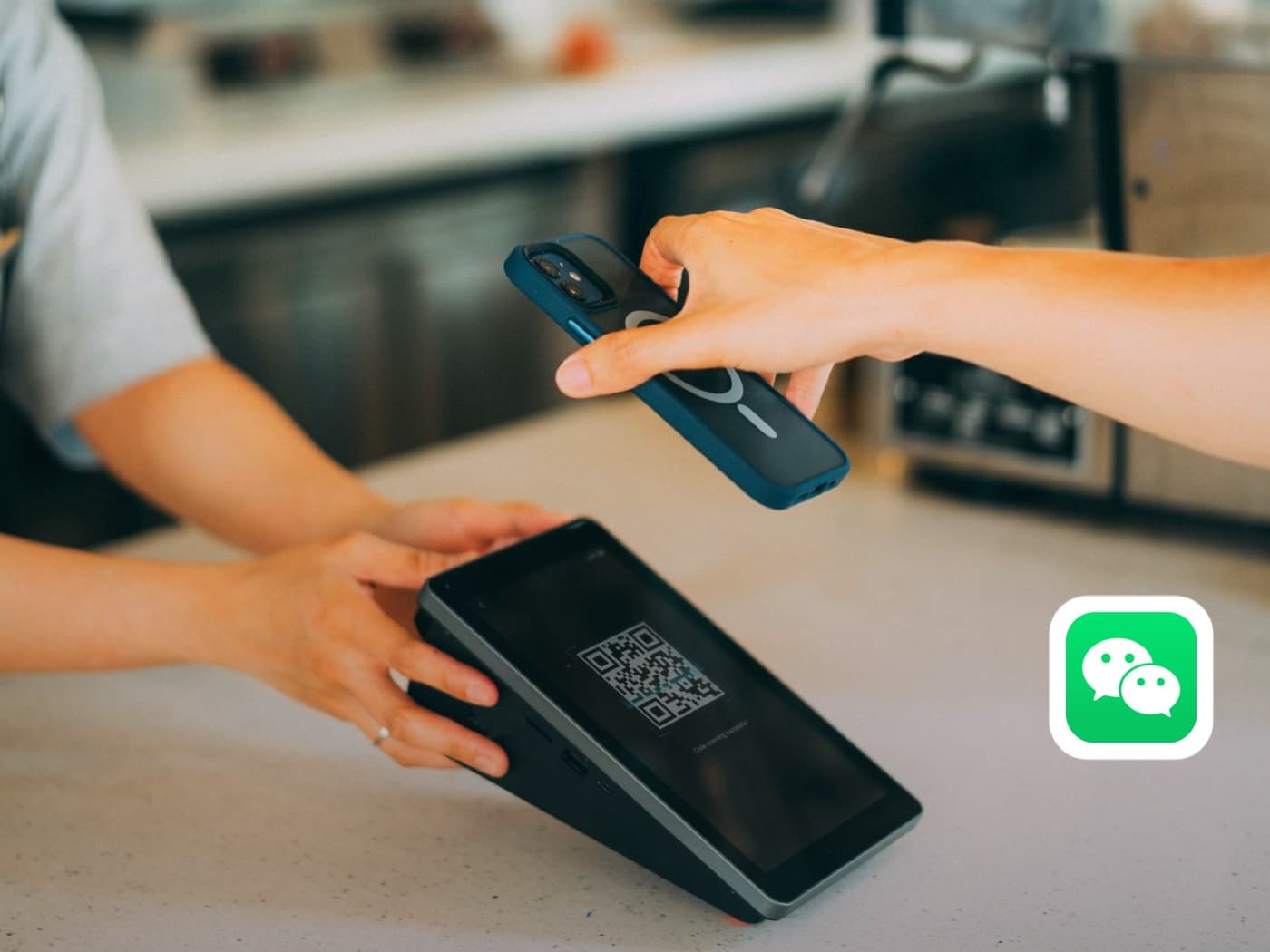
How to Use WeChat Pay with a Foreign Bank Card
Set up WeChat, link a foreign bank card, enable Weixin Pay, and understand when identity or friend verification is needed.
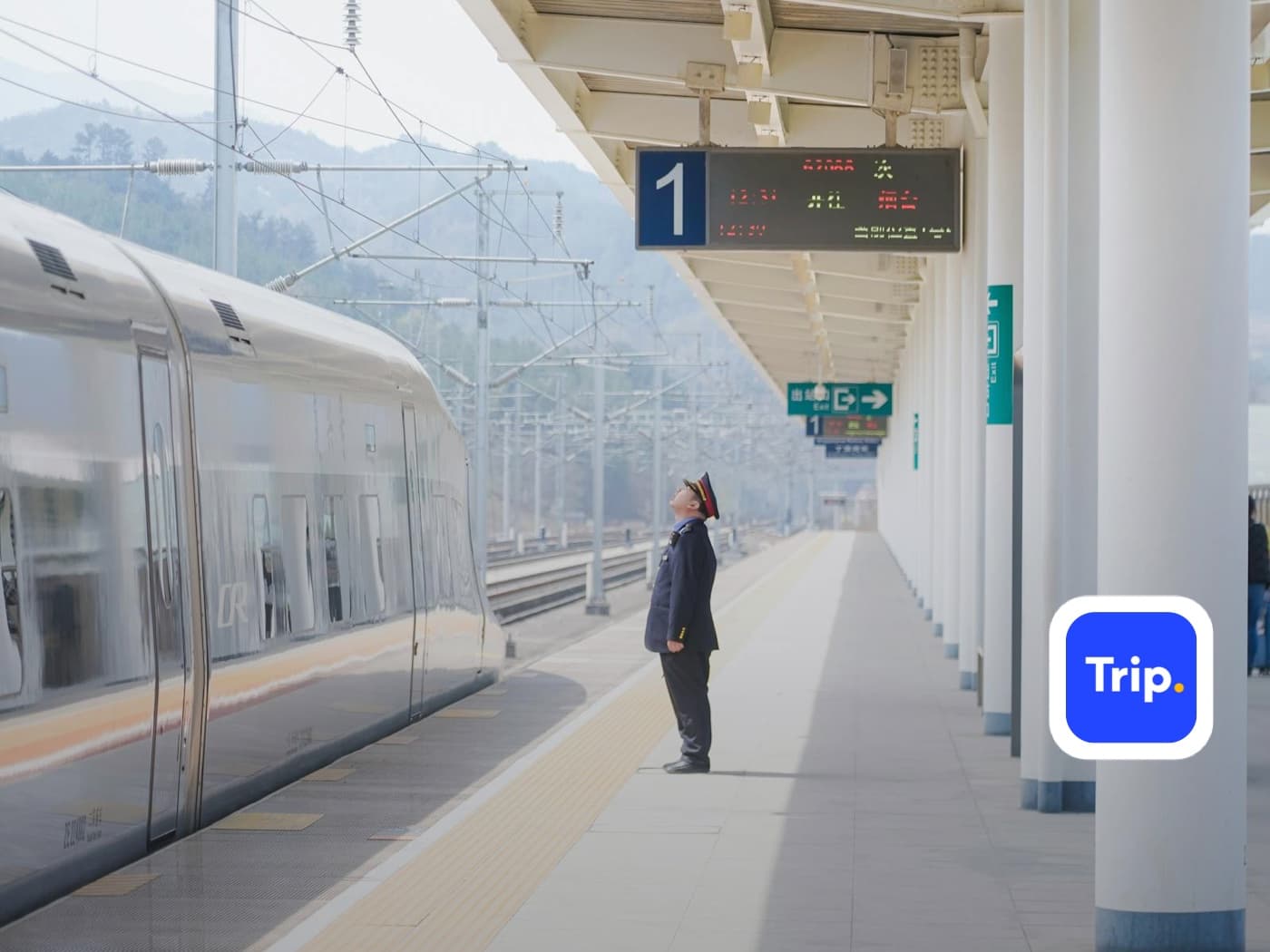
How to Board a High-Speed Train in China
Get from station entrance to your seat: passport identity check, security, reading the departure board, finding your boarding gate, standing at the right carriage position, and storing luggage.
Before you rely on it
Q&A
How do I know whether to scan them or show my code?
Look at the counter. A QR standee means you scan it. A handheld scanner, a till terminal, or a self-checkout means they scan you. If you cannot tell, open Scan — the merchant will point at their machine if they wanted the other way.
Why do I have to type the amount myself?
On the scan-the-merchant path the code is just an address for the money; it carries no price. The merchant tells you the amount and you enter it. Nobody checks it on their side before you confirm, so read it carefully.
Is it safe to show my payment code?
Yes, when someone is scanning it in front of you. It refreshes about once a minute. It is not safe to screenshot it, photograph it, or send it to anyone — a code sent to a stranger can be charged.
Why was my payment declined at a small shop?
Many small vendors use a personal QR code rather than a merchant account, and those often refuse foreign-card-linked payments. It is that specific code, not your account. Try WeChat Pay, ask them to scan you instead, or pay cash.
Do I get a receipt?
Usually not on paper. The confirmation screen in the app is your receipt, and the full transaction record stays in your payment history.
What if I pay the wrong amount?
Show the merchant the confirmation screen straight away and ask for a refund. They can send the difference back to you, but it depends on their goodwill, which is why checking before tapping Pay matters.
Does the scanner need my screen to be bright?
Yes. A dimmed screen is the most common reason a payment code will not read. Turn brightness up before you hold it to a scanner.
Can I still use cash in China?
Yes. Cash is legal tender and refusing it is not permitted, though some small vendors may struggle to make change for large notes. Carry small denominations.
What if I have no mobile signal at the till?
Neither direction works without a connection. This is the main argument for carrying some cash, especially in markets, basements, and rural areas.
Should I use Alipay or WeChat Pay?
Have both. They work identically at the counter, but acceptance differs by merchant, and a code refused by one is often accepted by the other.