
How to Use WeChat Pay with a Foreign Bank Card
- Topic
- Payments· Essential
- Difficulty
- Medium
- Time needed
- 30-45 minutes
- Last updated
- Jun 29, 2026
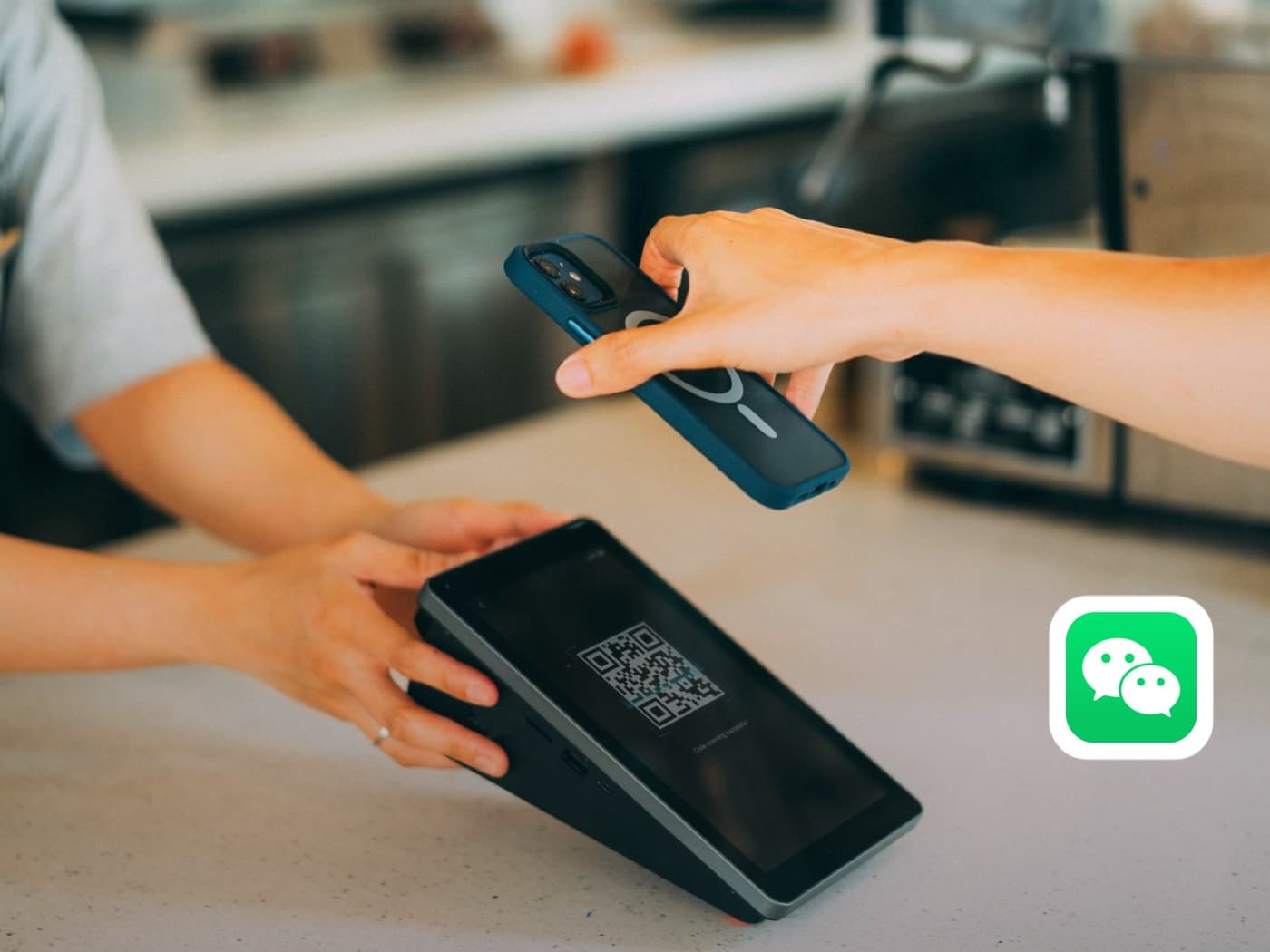
Quick answer
- Install or update WeChat, log in with a phone number that can receive SMS, then open Me > Pay and Services.
- Open Wallet > Bank Cards, add your foreign card, and set a 6-digit payment password if WeChat asks for one.
- After your card is added, enable Money / Payment Code for merchant payments. Receiving money requires identity verification and may require a qualified WeChat friend to scan a QR code.
Step-by-step guide
Step 1
Install the official WeChat app
Install WeChat from your official app store before you arrive, then open it. On iPhone use the App Store; on Android use Google Play, Huawei AppGallery, or another official store available on your device.
Step 2
Log in with your mobile number
On the login screen, set your Region, enter your home phone number, and tap Accept and Continue. You do not need a Chinese number, but the number must be able to receive SMS while you travel.
Step 3
Open the Me tab
Once you are signed in, tap Me in the bottom-right corner. This is where your account and payment settings live.
Step 4
Open Pay and Services
On the Me screen, tap Pay and Services. This opens WeChat's wallet and payment hub.
Step 5
Open Wallet
At the top of Pay and Services, tap Wallet. This is where you manage balance, cards, and payment settings.
Step 6
Open Bank Cards
In Wallet, tap Bank Cards to start linking your card.
Step 7
Add your foreign bank card
Tap the card number field, enter your card details, then follow the prompts for expiry date, CVV, and the name on the card. WeChat usually detects your card type automatically.
Step 8
Set a payment password
If prompted, set a 6-digit Weixin Pay payment password. You will enter this code to confirm payments and identity checks, so make it memorable but not obvious.
Step 9
Confirm the card is added
You will see Added once the card is linked. Your international bank card can now be used for Weixin Pay merchant payments. Tap Done.
Step 10
Open Money
Go back to Pay and Services and tap Money. This is where your payment code lives.
Step 11
Enable the payment function
The first time you open it, the payment code may be switched off. Read the notice, then tap Agree and enable. This payment code is for CNY transactions.
Step 12
Confirm with your payment password
Enter the 6-digit payment password you set earlier to confirm your identity and finish enabling the code.
Step 13
Use your payment code
You now have a barcode and a QR code. In a shop, tap to view the payment code and show it to the cashier to scan. Check that the correct card is selected as your default payment method before you pay.
Receive money setup
To receive money, verify your identity
Paying merchants and receiving money are different levels of access. Receiving transfers, red packets, or using your own receive-money code requires identity verification.
Verification 1
Tap Verify Now
The Verify Identity screen explains that verification can unlock Balance, Red Packets, Transfers, Receiving money, and higher limits. Tap Verify Now to continue.
Verification 2
Select Passport as your ID type
Under For Non-Chinese Citizens / Overseas Chinese, choose Passport. This is the correct ID type for most foreign visitors.
Verification 3
Confirm and start verification
Check that the ID Type shows Passport. The screen previews two tasks: upload your passport photo page and complete face verification. Tap Next.
Verification 4
Upload your passport and scan your face
Upload a clear photo of your passport's photo page, then complete the face scan. Use bright, even light, hold the phone at eye level, and remove glasses if WeChat asks.
If verification succeeds, WeChat may unlock more wallet features. If it asks for friend verification, use the path below.
Friend verification
A qualified WeChat friend may need to help
Some accounts are asked to have another WeChat user confirm the verification by scanning a QR code. This is normal, but the helper account must meet WeChat's requirements.
Verification 1
Add a suitable contact
If you do not already have a suitable friend on WeChat, add one. On the Chats screen, tap the + in the top-right corner and choose Add Contacts.
Verification 2
Ask your friend to scan the verification QR
A QR code appears during verification. Ask your helper to scan it with WeChat and do not close the page until the verification is complete.
If one friend's account does not qualify, ask another. Once verification succeeds, receive-money features and higher wallet access may become available.
Keep going
Related practical guides
How to Set Up Alipay as a Foreigner in China
Set up Alipay before you arrive: register, verify your passport, and link a foreign card so you can pay by QR code from your first day in China.
How to Use Shared Bikes in China
Use shared bikes in China with Alipay: scan the bike QR code, unlock, ride, park correctly, return the bike, and confirm payment.
How to Pay in China as a Foreigner
Understand the two directions of QR payment in China: scanning the merchant's code and entering the amount yourself, or showing your payment code for the merchant to scan.
Before you rely on it
Q&A
Can foreigners use WeChat Pay with a foreign bank card?
Yes. Many foreign visitors can link a supported international card to Weixin Pay / WeChat Pay for merchant payments in mainland China, though availability can depend on the card, issuer, account status, and current WeChat rules.
Do I need a Chinese phone number?
Not always. A foreign number can work if it can receive SMS or account verification messages while you travel. A Chinese number may still make some China app flows easier.
Can I pay immediately after adding a card?
Usually you can start with merchant payments after the card is added and the payment code is enabled. Test a small payment first before relying on it for taxis, hotels, trains, or restaurants.
Why does WeChat ask for identity verification?
WeChat may ask for identity verification when you use receive-money features, higher limits, or account-sensitive payment functions. For most foreign visitors, Passport is the ID type to choose.
Why does a friend need to scan a QR code?
Some WeChat accounts are asked to complete friend verification. The helper usually needs an older, active WeChat account with Weixin Pay enabled and no recent helper-verification use.
Can I receive money after linking a foreign card?
Receiving money is separate from paying merchants. You may need identity verification and friend verification before transfers, red packets, or receive-money code features work.
What if my card fails?
Check whether your card supports international online payments, 3-D Secure, and app-based verification. If it still fails, try another card and keep Alipay or RMB cash as backup.
Should I use WeChat Pay or Alipay first?
For most first-time visitors, set up both. Alipay is often easier as a tourist payment backup, while WeChat Pay is useful because many social groups, mini programs, and daily services already live inside WeChat.