
How to Set Up Alipay as a Foreigner in China
- Topic
- Payments· Essential
- Difficulty
- Medium
- Time needed
- 20-30 minutes
- Last updated
- Jun 23, 2026
Quick answer
- Download Alipay, register with a phone number that can receive SMS, link an international card, and complete passport verification when prompted.
- Pay in two ways: scan the merchant's QR code, or show your own payment code for the cashier to scan.
- Keep WeChat Pay, cash, or a physical card as backup — a few merchants and mini-programs still decline foreign-card payments.
Step-by-step guide
Step 1
Open Alipay
Install Alipay from your official app store before you arrive, then open it. On iPhone use the App Store; on Android use Google Play or Huawei AppGallery. Avoid unofficial APK pages — this app will handle your passport and card details.
Step 2
Enter your phone number
On the welcome screen, set your country code, enter your home phone number, and tap Next. You do not need a Chinese number — a foreign number works, as long as it can receive SMS while you travel.
Step 3
Enter the verification code
Alipay sends a 6-digit code by SMS. Enter it to confirm your number. If it does not arrive within a minute, use the Resend option.
Step 4
Select the country on your ID
Choose the country or region that matches your passport. This must match your ID document, not where you currently are. Use the search box or the A–Z index on the right to find it quickly.
Step 5
Open card linking
On the home screen, find the Add Credit or Debit Card panel and tap Add now. The supported card logos are shown on the blue card image.
Step 6
Enter your card details
Enter your card number, expiry date, and CVV, then read and agree to the Service Agreement. Your card type is detected automatically. Enter your name exactly as printed on the card.
Step 7
Confirm the card is added
You will see Added successfully once the card is linked. Alipay also shows a one-time notice: before identity verification, a foreign-card-linked account has a cumulative spending cap of around 15,000 yuan.
Step 8
Pay in stores
There are two ways to pay. Open Pay/Receive and show your payment code for the cashier to scan, or use Scan to scan the merchant's code and enter the amount. Before confirming, check that the correct linked card is selected.
If verification appears
If you are asked to verify your identity
Foreign-card accounts can use Alipay for basic payments straight away, but identity verification unlocks full access. Until you complete it, transport QR codes, ride-hailing, higher payment limits, and some mini-programs may remain unavailable.
Verification 1
Open your account
Tap Account in the bottom navigation bar.
Verification 2
Open Identity Information
In My Account, tap Identity Information. A red Verify now marker means verification is still pending.
Verification 3
Set a payment password if prompted
If Alipay asks you to set a payment password first, tap Set Now and choose a 6-digit code. You will use this code when confirming payments, so make it memorable but not obvious.
Verification 4
Fill in your passport details
Select your country and Passport, then enter your full English name exactly as it appears on the passport and your passport number. You can use Scan to fill in automatically from the photo page.
Verification 5
Complete the face scan
Complete the face scan to confirm it is you. Use bright, even light, hold the phone at eye level, and remove glasses if asked.
Once verification is approved, your limits increase and transport, ride-hailing, and most mini-programs become available.
Keep going
Related practical guides
How to Use WeChat Pay with a Foreign Bank Card
Set up WeChat, link a foreign bank card, enable Weixin Pay, and understand when identity or friend verification is needed.

How to Use Shared Bikes in China
Use shared bikes in China with Alipay: scan the bike QR code, unlock, ride, park correctly, return the bike, and confirm payment.
How to Pay in China as a Foreigner
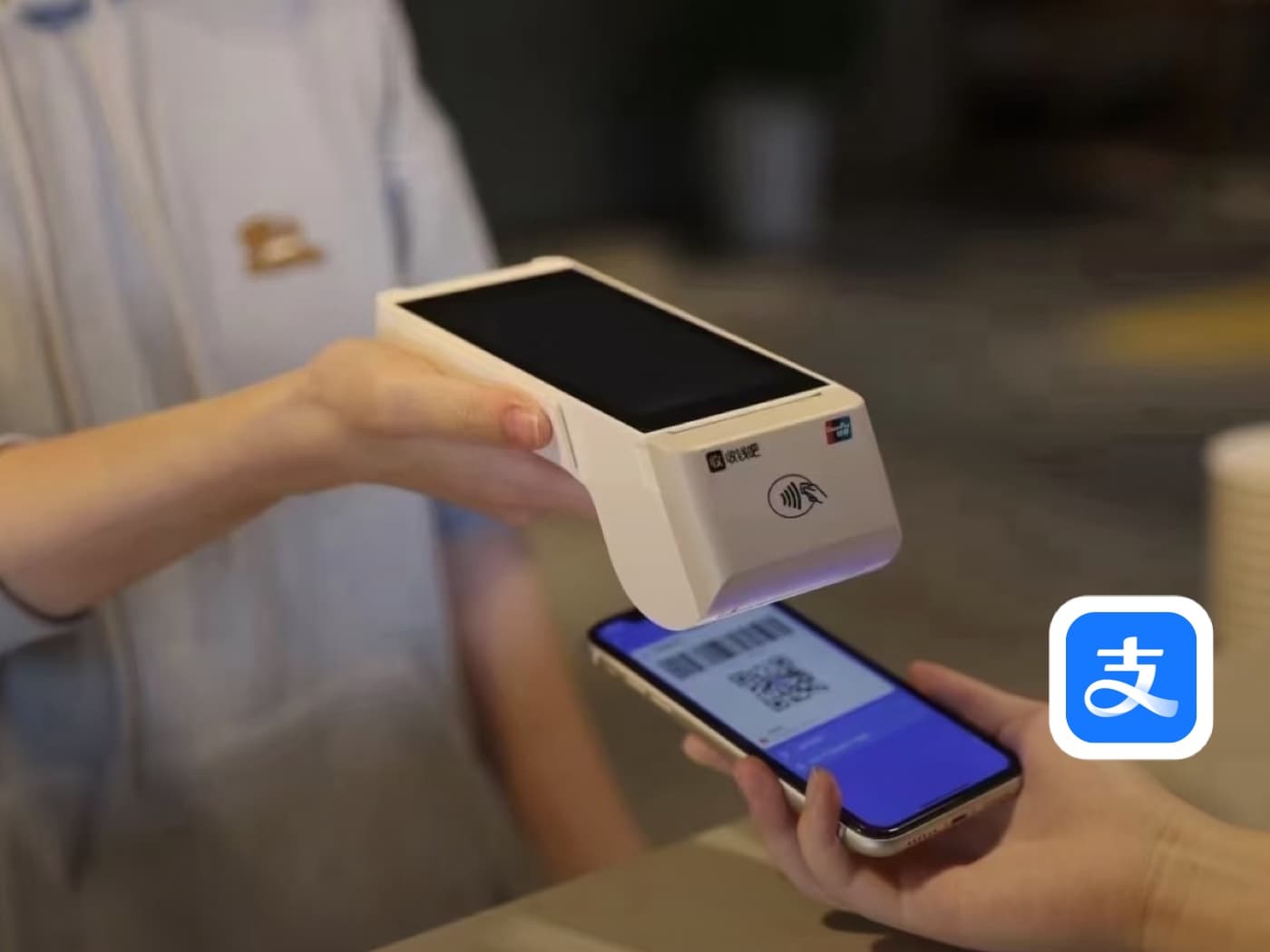
Understand the two directions of QR payment in China: scanning the merchant's code and entering the amount yourself, or showing your payment code for the merchant to scan.
Before you rely on it
Q&A
Can foreigners use Alipay in China?
Yes. Official Chinese government and city guidance confirms that foreign users can link international cards to Alipay. In practice, support still depends on the card issuer, merchant, app version, and account checks.
Do I need a Chinese phone number?
Not always. Shanghai guidance says recent Alipay updates removed the need to establish a prepaid account or obtain a Chinese phone number for linking overseas cards. A China number can still help with local services, delivery, and support calls.
Do I need a Chinese bank account?
No for most tourist QR payments. You can usually pay from a linked international card. A Chinese bank account unlocks more local wallet functions, but it is not the normal first step for short-term visitors.
Which foreign cards work with Alipay?
Official sources confirm major international networks including Visa, Mastercard, Discover, Diners Club, JCB, and eligible American Express cards. Acceptance still depends on the issuing bank and the exact card product.
Is there a fee for using a foreign card?
Alipay may charge a 3% handling fee for international bank card transactions greater than RMB 200. Your card issuer may also apply its own foreign-exchange or foreign-transaction fee.
Is there a spending limit on a foreign-card Alipay account?
Yes. Before identity verification, foreign-card-linked accounts have a cumulative cap of around 15,000 yuan. Completing passport and face verification raises your limits and unlocks transport and other services.
What should I do if passport verification fails?
Retake the photo in bright light, keep the full passport information page visible, avoid glare, match your name carefully, and contact in-app support if the account becomes restricted.
Can I top up my Alipay balance with a foreign card?
Do not assume you need or can top up. For normal merchant payments, Alipay can charge your linked card directly. Balance, transfers, and receiving money may be restricted for foreign-card accounts.
Should I add more than one card?
Yes if you can. User reports show that one foreign card may fail while another works, especially when the issue is the issuing bank's risk control or 3-D Secure approval.
Why did Alipay work once and then fail later?
This can happen because of bank security checks, merchant category restrictions, network changes, app risk control, or a QR code that does not support foreign-card payment. Try a different card or payment method rather than repeatedly retrying the same failed payment.
Will Alipay work for every merchant?
No. It works widely, but some personal QR codes, small merchants, mini programs, or merchant categories may not accept foreign-card-linked payments. Keep a backup method.
Should I set up WeChat Pay too?
Yes. Alipay is a good first choice for many visitors, but WeChat Pay gives you a second payment path when a merchant, mini program, or social situation works better through WeChat.