
How to Use Shared Power Banks in China
In China, your phone is your map, translator, payment wallet, taxi tool, train ticket, hotel contact, and emergency line. Shared power banks are useful because they are everywhere, but the most important habit is to confirm the order ended after return.
Difficulty
Easy
Time needed
2-5 minutes
Updated
May 16, 2026
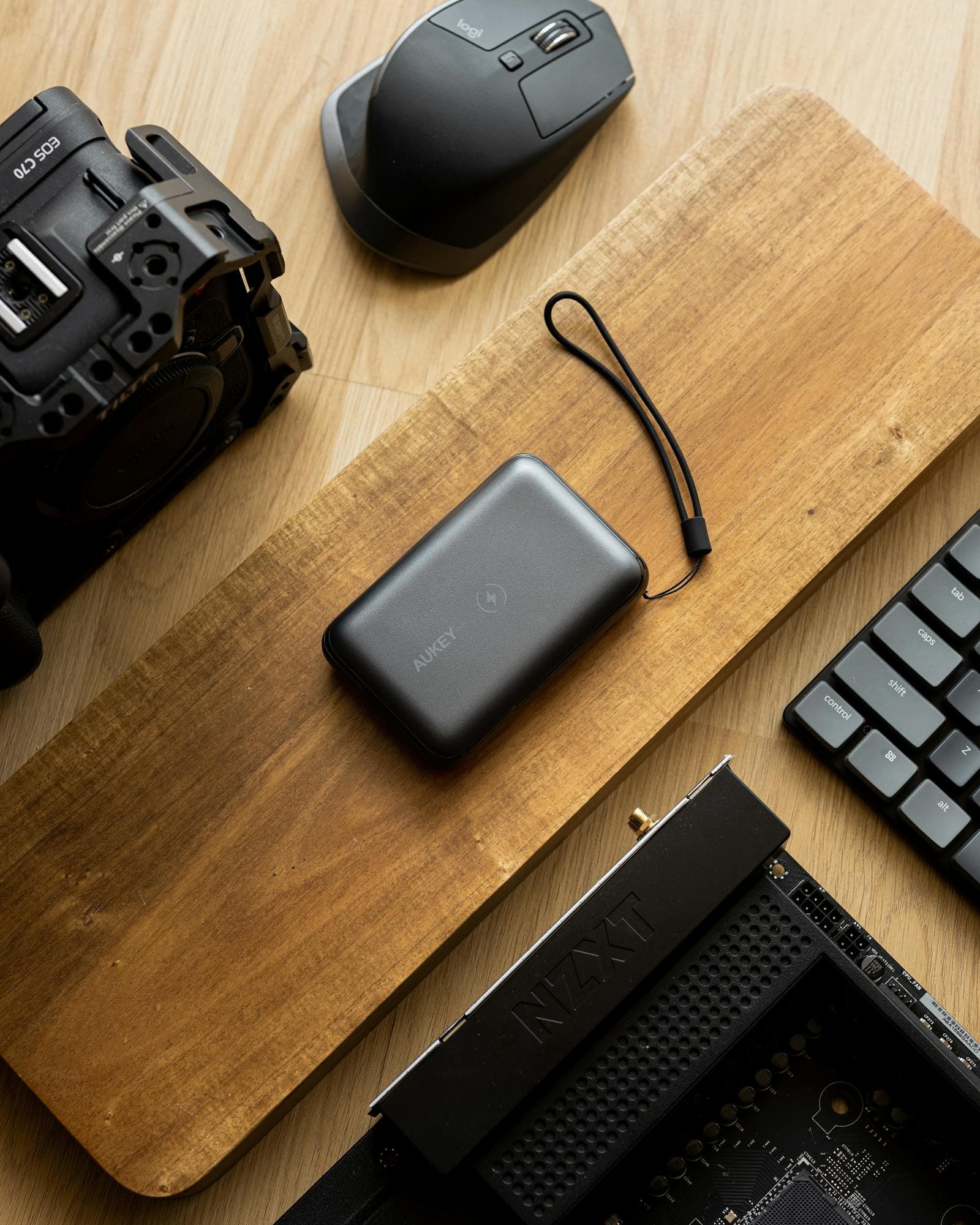
Start here
Quick answer
- Find a shared power-bank cabinet in a mall, restaurant, convenience store, transport hub, hotel lobby, or attraction. Scan the QR code with Alipay or WeChat, authorize the rental, take the released power bank, and charge your phone.
- Return it to a compatible cabinet, usually the same brand, and wait for the app or cabinet to confirm the order has ended. Do not just push it into a slot and leave.
- Fees, deposits, free minutes, caps, and return rules vary by brand and location. Read the price page before taking the power bank.
Requirements
- Required: enough battery to scan the QR code and finish payment authorization.
- Required: Alipay or WeChat Pay with a working payment method.
- Required: phone data or Wi-Fi.
- Recommended: know your cable type: USB-C, Lightning, or micro-USB.
- Recommended: keep the mini program/order page open until the power bank is returned.
- Backup: own charged power bank or wall charger for long travel days.
Visual manual
Step-by-step guide
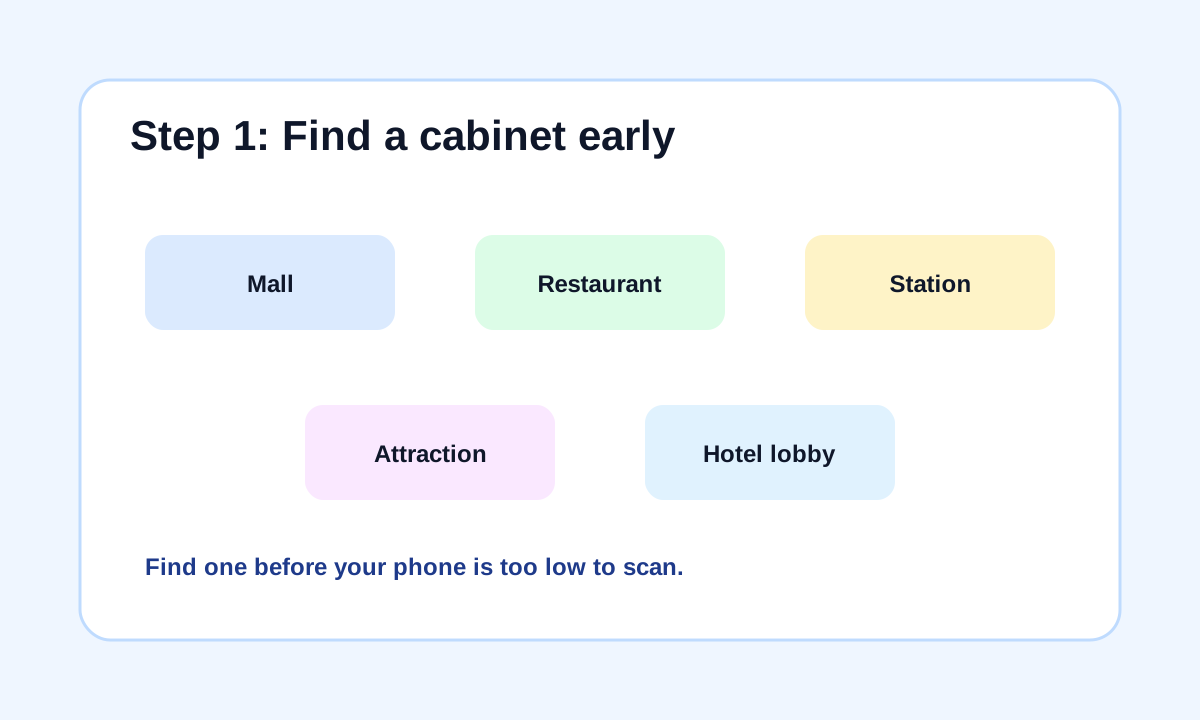
Find a cabinet before your phone is critical
Shanghai's official guide says shared power banks are widely available in malls, restaurants, metro stations, transport hubs, tourist spots, and other public locations. In practice, find one while your phone still has enough battery to scan, authorize payment, translate screens, and call for help if something fails.
If your phone is already dying, ask staff for a cable or outlet for five minutes before scanning.
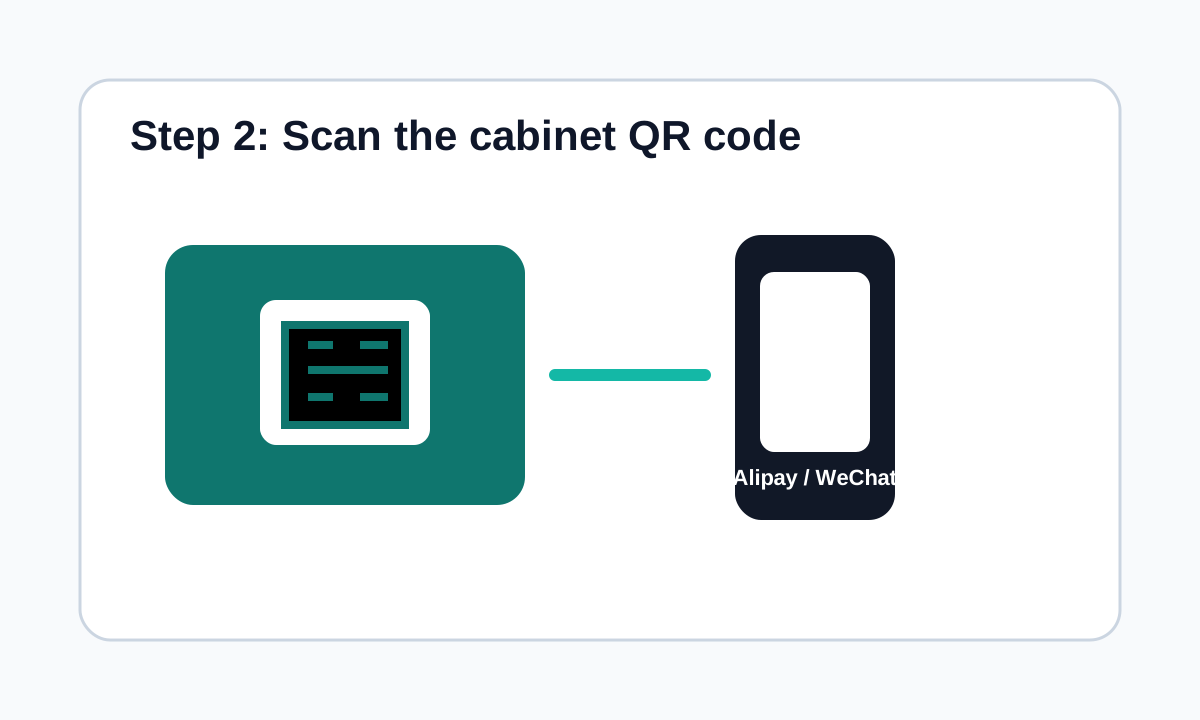
Scan the cabinet QR code
Open Alipay or WeChat and scan the QR code on the cabinet. Common brands include Monster Charge 怪兽充电, Jiedian 街电, Meituan Charging 美团充电宝, Xiaodian 小电, Laidian 来电, and others. The scan usually opens a mini program or rental page.
If one wallet fails, try the other wallet or another brand nearby.
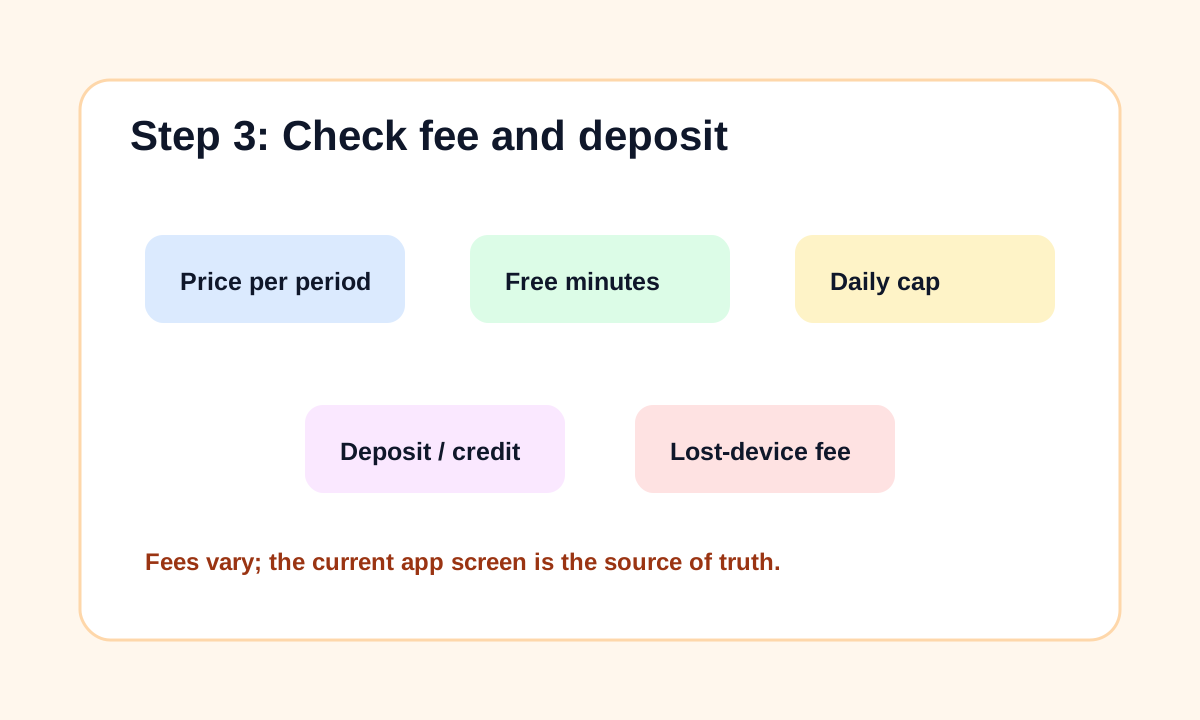
Check price, deposit, and authorization
Before tapping rent, read the price rule, free minutes if any, hourly or half-hour billing, daily cap, deposit/credit authorization, and lost-device charge. Some users qualify for deposit-free rental through Alipay or WeChat credit systems; others may see a deposit or authorization hold.
Prices can differ even between nearby cabinets, so rely on the current app screen.
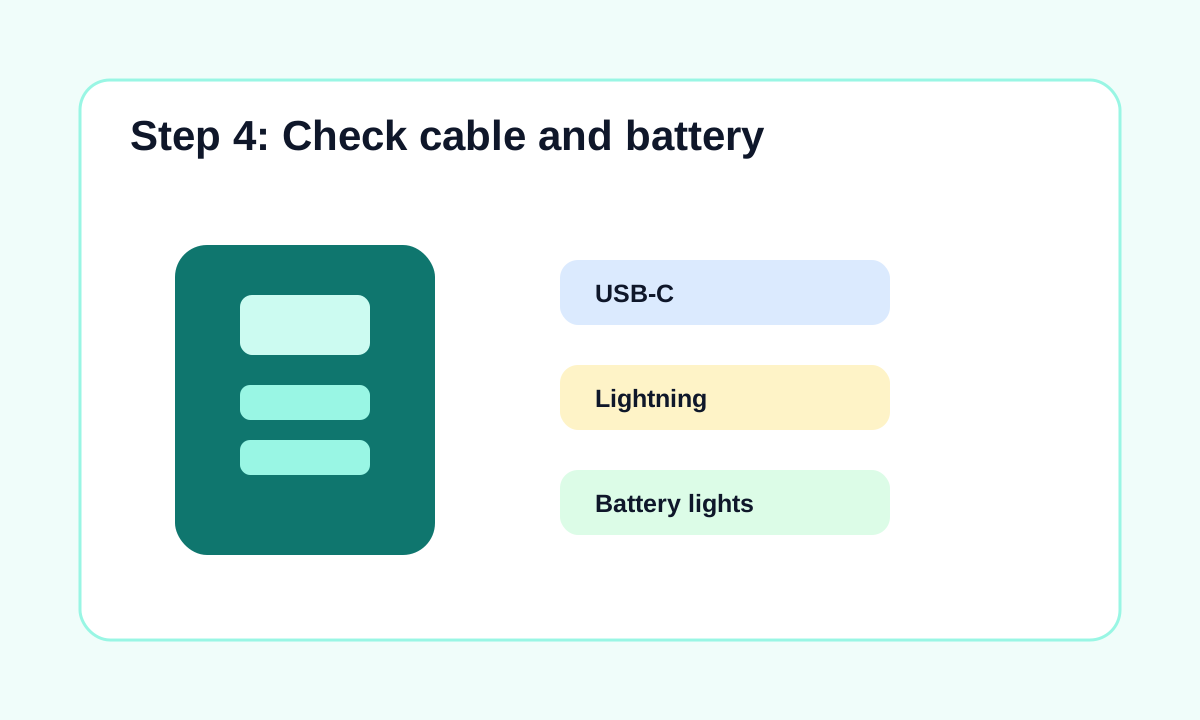
Take the released power bank and check the cable
After authorization, one slot should release a power bank. Pull only the one that unlocks. Check that it has enough battery and the right cable for your phone. Many units include USB-C, Lightning, and micro-USB cables, but not every cable is in good condition.
If the power bank is dead or cable is damaged, return it immediately and contact support if charged.
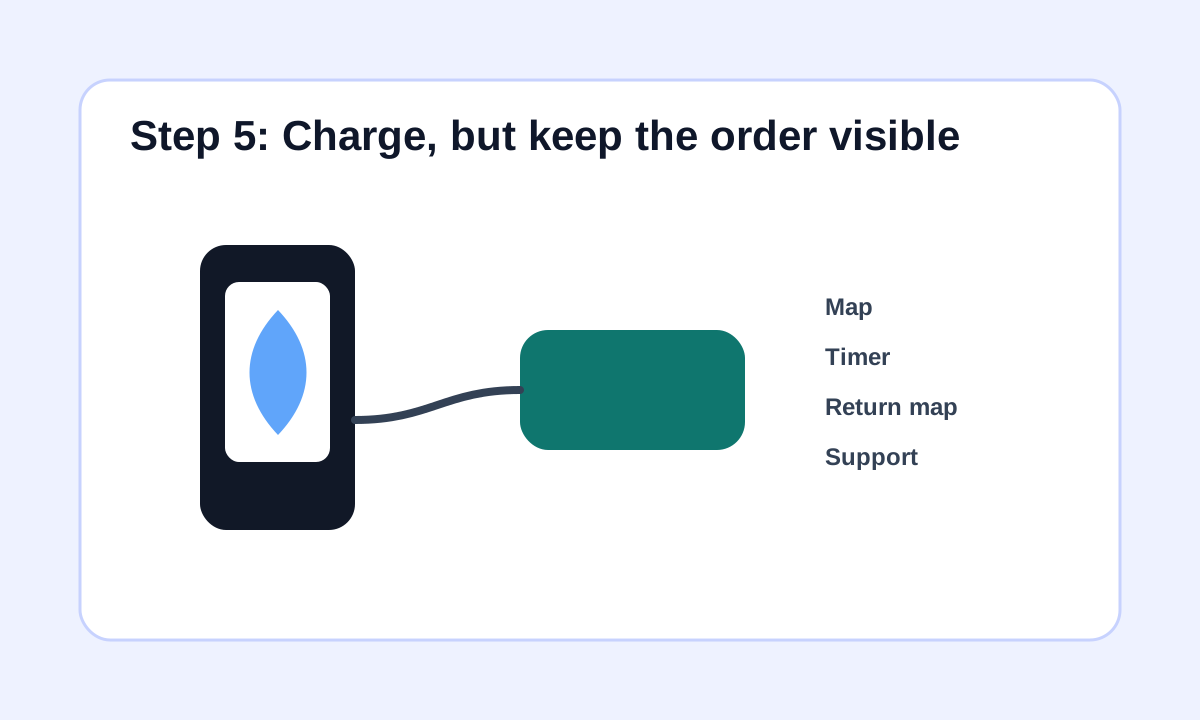
Charge while keeping the order visible
Use the power bank while walking, eating, shopping, or riding the metro. Keep the mini program/order reachable so you can see elapsed time and find return points. Do not let the borrowed power bank disappear into a bag where you might forget it for the rest of the day.
For long train days or airport transfers, your own power bank is still safer.
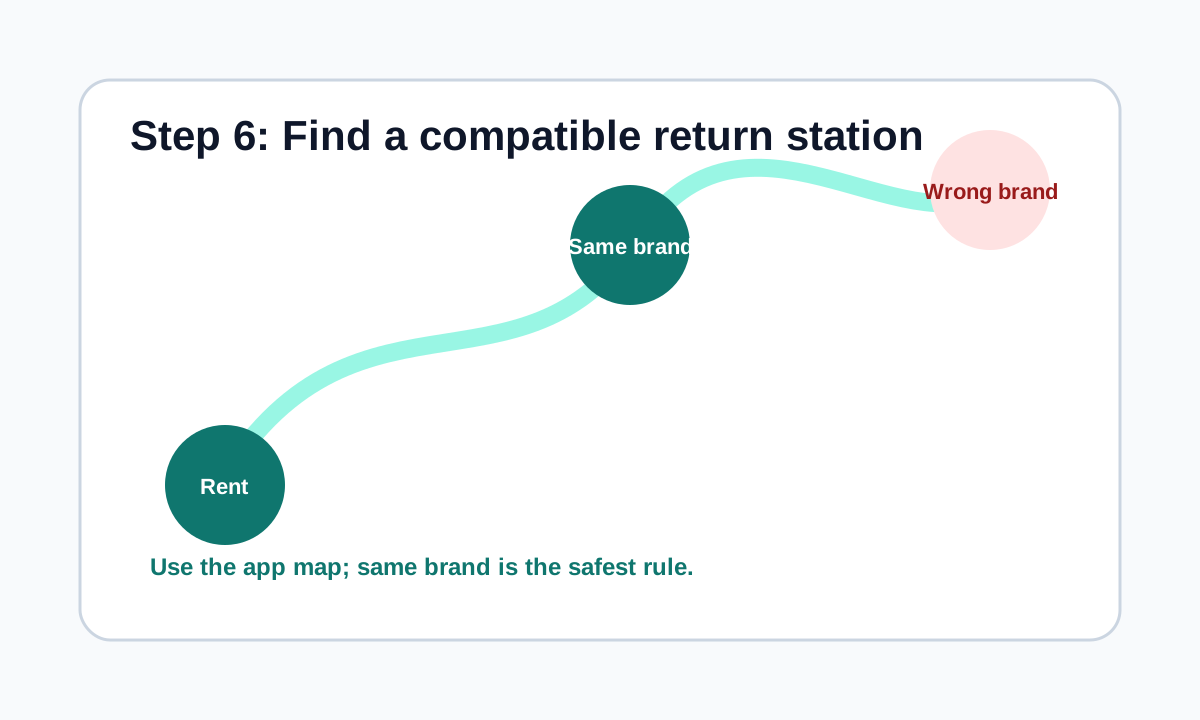
Find a same-brand or compatible return station
Use the mini program map to find a return station. Shanghai's official guide says users can drop off the power bank at any rental station, but in practical use you should return it to a compatible cabinet, usually the same brand. Do not put a Jiedian power bank into a Meituan or Monster cabinet unless the app clearly says it is compatible.
A listed cabinet may be closed, full, missing, or inside a shop that has already shut.
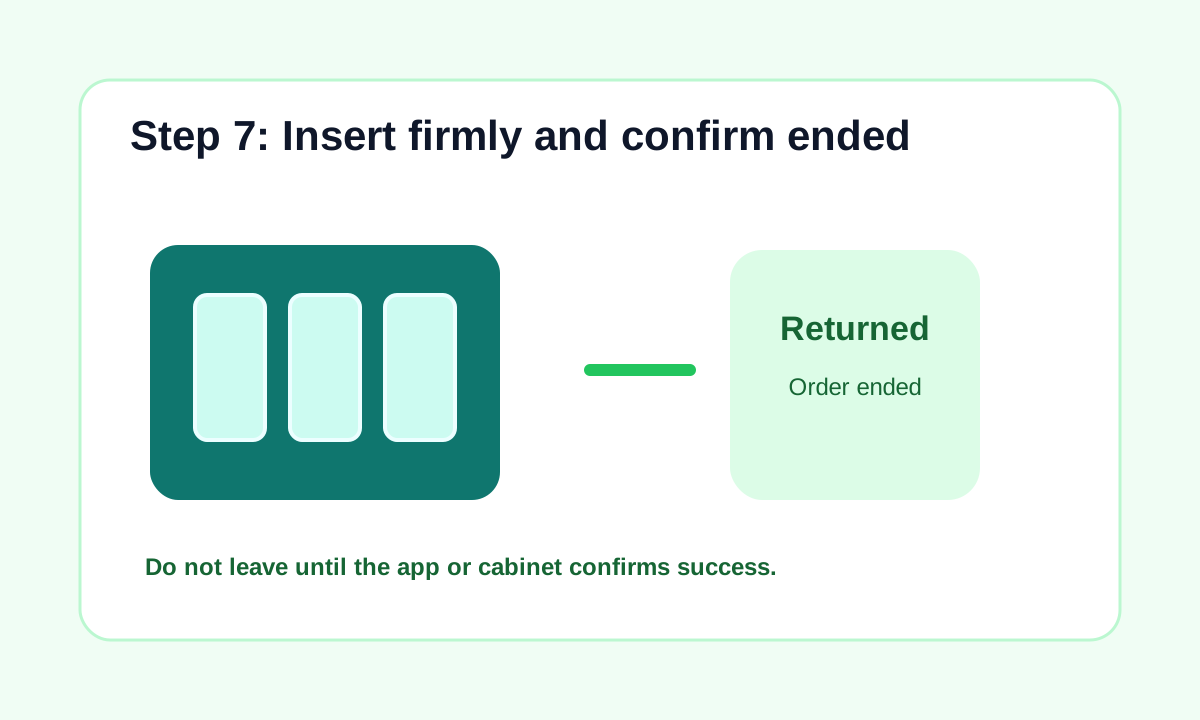
Insert firmly and wait for confirmation
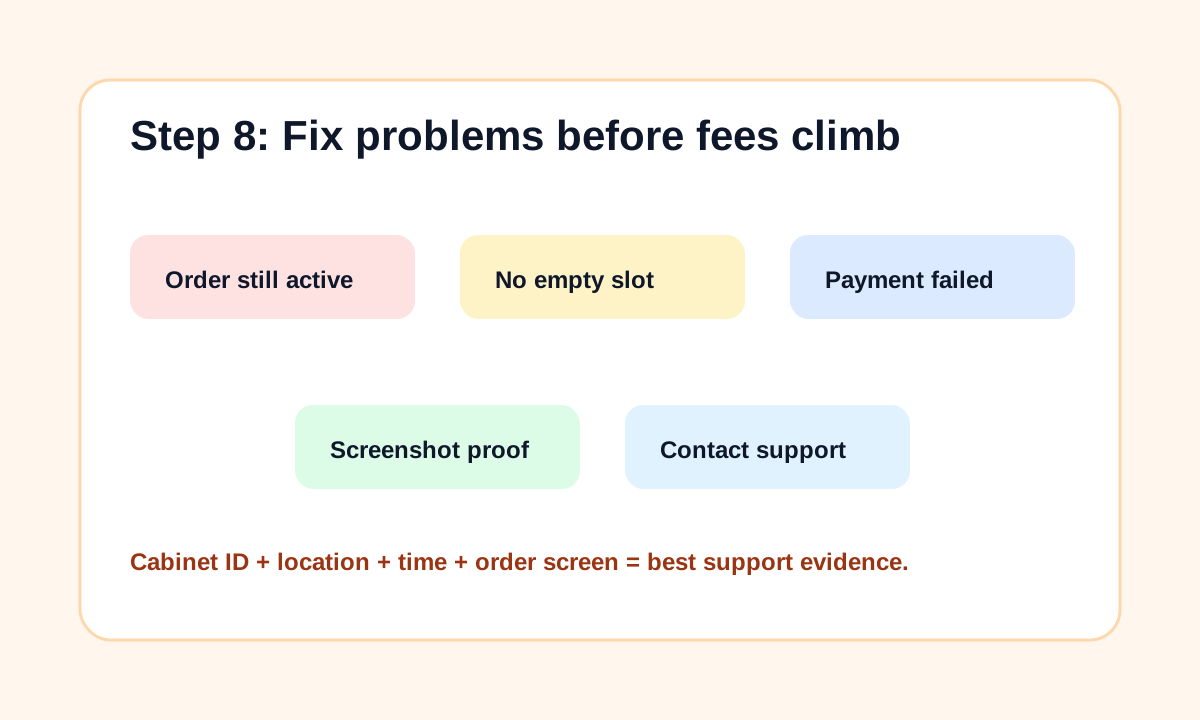
Push the power bank fully into an empty slot, in the direction shown by the cabinet. Wait for a light, sound, app message, or order page showing returned, completed, paid, or ended. If the order is still active, remove and reinsert if possible, try another slot, ask staff, or contact support immediately.
This is the step that prevents surprise charges.
If something goes wrong, document it immediately
If the cabinet is full, the return location does not exist, the battery is dead, the cable is broken, or the order keeps charging, take screenshots of the order, cabinet ID, location, return attempt, and time. Contact in-app customer service before leaving the area if possible.
Do not wait until the fee reaches the deposit or lost-device cap.
Troubleshooting
Common problems and fixes
- Phone is too low to scan: ask shop staff for a brief outlet/cable charge, then scan.
- Payment authorization fails: try the other wallet, another card, Alipay balance, or a different cabinet brand.
- Power bank has no battery: return immediately and screenshot the order.
- Wrong cable: check before leaving; some power banks have damaged or missing cable heads.
- No empty return slot: use the mini program map, try a busier mall/convenience store, or contact support for return guidance.
- Order keeps charging after return: screenshot, stay near the cabinet if possible, and contact customer service.
Important warnings
- Do not borrow when your phone is so low that it may die before authorization completes.
- Do not assume every cabinet takes every brand.
- Do not leave until the app confirms the order has ended.
- Do not ignore maximum-charge, lost-device, or deposit rules.
- Do not rely on shared power banks for airports or flights; bring your own compliant power bank for travel days.
Best route and backup plan
Recommended route
- Use Alipay or WeChat to scan a cabinet in a busy mall, restaurant, convenience store, station, or hotel lobby.
- Read the fee and authorization page, rent only if the terms are clear.
- Return to the same brand, confirm the app says completed, and screenshot if anything looks wrong.
Backup options
- Ask staff to lend a charging cable for 5 minutes so you can scan.
- Try another brand cabinet nearby.
- Return to a busy mall, convenience store, metro station, or restaurant cluster where cabinets are more likely to have empty slots.
- Contact in-app customer service immediately if the order does not end after return.
Other ways to pay
- Carry your own charged power bank.
- Use a cafe, hotel lobby, railway waiting hall, or restaurant outlet if allowed.
- Ask hotel front desk to charge your phone briefly.
- Buy a charging cable or compact power bank from a convenience store, Miniso, electronics shop, or mall.
FAQ
Can foreigners use shared power banks in China?
Usually yes if Alipay or WeChat Pay works for the rental mini program. Some cabinets or brands may be easier than others, so try another brand if one fails.
Do I need a Chinese phone number?
Many rentals work through Alipay or WeChat scanning, but some mini programs may ask for local account details or SMS. A Chinese number helps, but payment setup is usually the bigger issue.
Can I return a power bank to any cabinet?
Use the app's return map and choose a compatible cabinet, usually the same brand. Do not put it into a different brand's cabinet unless the app explicitly confirms compatibility.
How much do shared power banks cost?
Fees vary by brand, location, and time. The app may show a free period, half-hour/hourly rate, daily cap, deposit, or lost-device charge. Check before renting.
What if there is no empty return slot?
Use the mini program map to find another same-brand cabinet nearby. Busy malls, convenience stores, restaurants, metro stations, and transport hubs often have more cabinets.
What if I returned it but the order did not end?
Do not leave quietly. Screenshot the order, cabinet ID, location, and time; try reinserting if possible; ask staff; and contact in-app customer service.
Are the cables built in?
Many shared power banks include multiple short cables such as USB-C and Lightning, but cable availability and condition vary. Check before walking away.
Should I rely only on shared power banks?
No. They are great for cities, restaurants, and malls, but your own charged power bank is safer for long train rides, airports, hikes, and late-night travel.
Alipay
China's essential payment and daily services app.
Keep going
Related practical guides

How to Set Up Alipay as a Foreigner in China
Set up Alipay with a foreign phone number, passport, and international bank card so you can pay by QR code in China.

How to Use WeChat Pay with a Foreign Bank Card
Set up WeChat Pay with a passport and foreign bank card, then use QR payments in shops, taxis, restaurants, and mini programs.
How to Fix Alipay / WeChat Pay Fails
Troubleshoot Alipay and WeChat Pay failures in China by checking bank blocks, VPN or SMS issues, merchant QR support, amount limits, fees, and backup payment options.