
How to Communicate in China Without Speaking Mandarin
The China language barrier shows up in more places than conversation: QR menus, Chinese app popups, driver calls, hotel registration, hospital desks, attraction ticket systems, and delivery messages. You can handle most of it with a planned translation setup and short, confirmable messages.
Difficulty
Easy
Time needed
15-25 minutes
Updated
May 16, 2026

Start here
Quick answer
- Install at least two translation tools before arrival: one general translator for voice/camera/text and one backup such as Pleco or another dictionary-style app for Chinese words. Also save offline phrase cards.
- Use camera translation for menus, signs, labels, and screenshots of Chinese apps. Use WeChat long-press translate for hotel, driver, courier, and local contact messages.
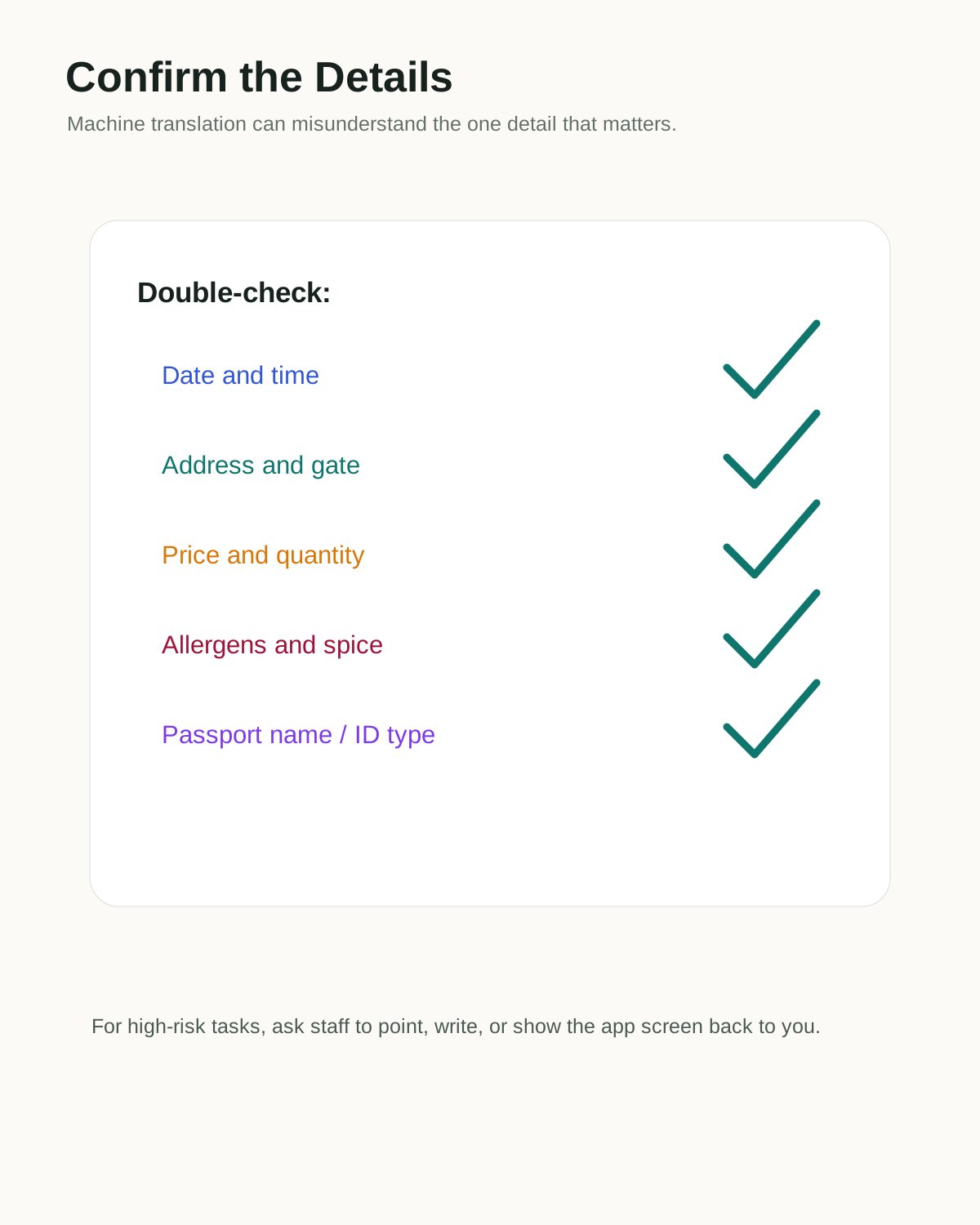
- For important details, do not just translate and act. Confirm dates, times, prices, addresses, allergens, passport names, and payment amounts with staff or the app screen.
Requirements
- Required: primary translation app installed before arrival.
- Required: backup translator or dictionary app.
- Required: offline phrase cards for hotel, payment, restaurant, allergies, restroom, and emergency help.
- Recommended: WeChat set up for chat translation.
- Recommended: mobile data plan that works in China, plus power bank backup.
- Optional: VPN or roaming/eSIM setup if you rely on Google services.
Visual manual
Step-by-step guide
Build a translation stack before arrival
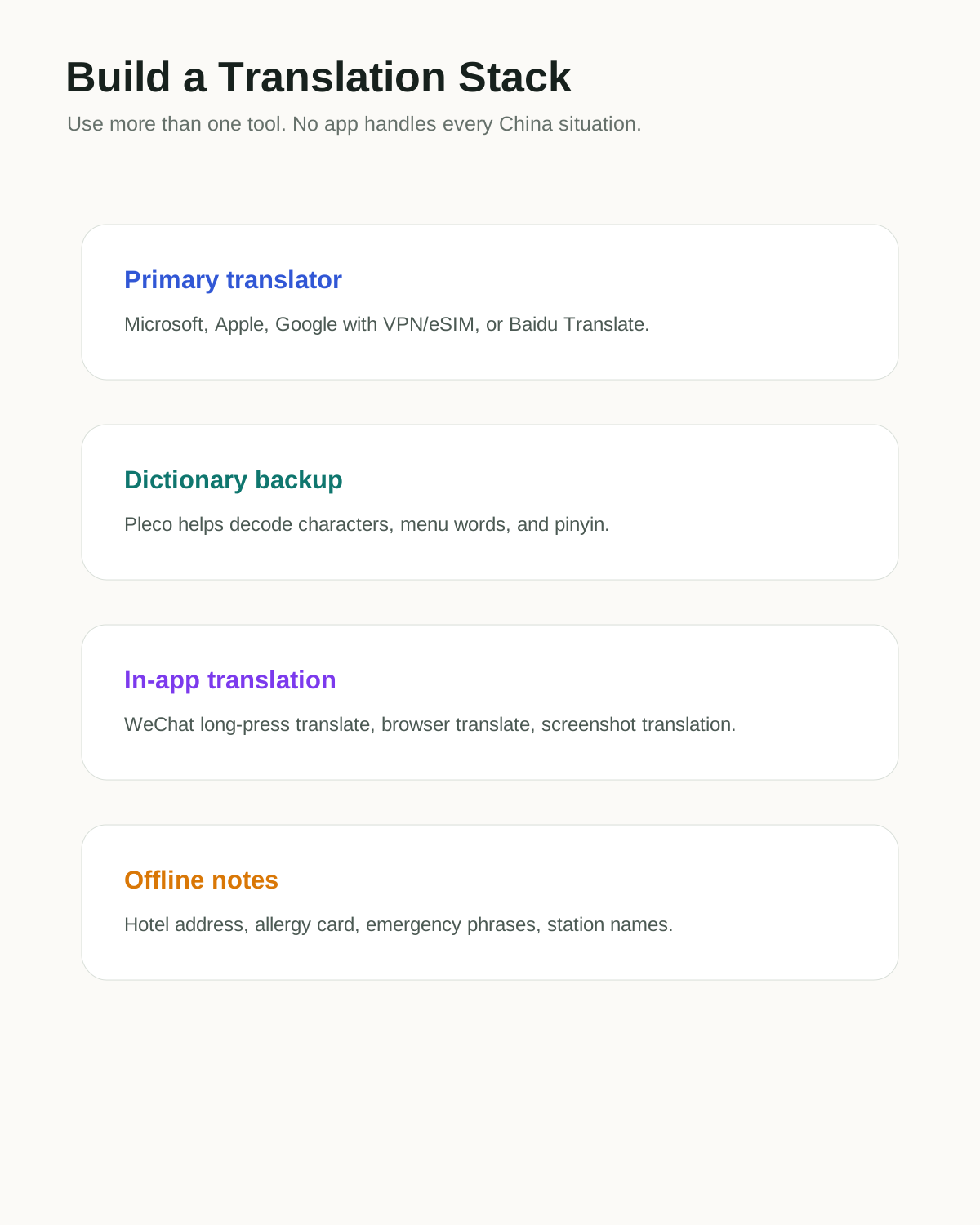
Do not depend on one app. Use one primary translator for text, voice, and camera; keep a second app or dictionary for cross-checking Chinese words; use WeChat translation for messages; and save offline phrase cards for common situations. Some Google services may need VPN, roaming, or foreign eSIM routing in mainland China.
Research sources disagree on the best single app, but they agree that redundancy matters.
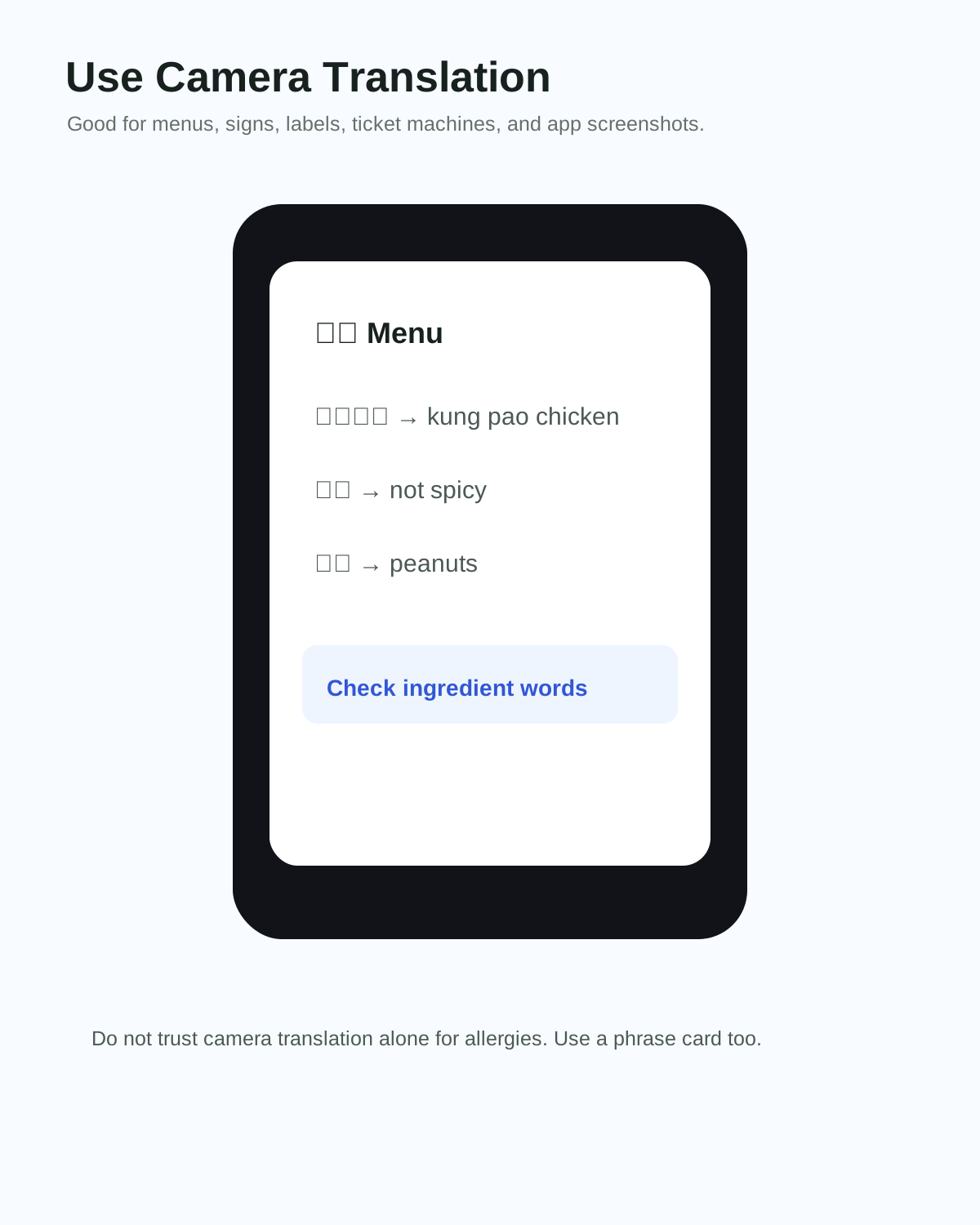
Use camera translation for menus, signs, and screenshots
Camera translation is useful for restaurant menus, museum signs, medicine labels, ticket machines, parcel pickup screens, and app screenshots. For Chinese-only apps, screenshot the page, translate the image, then return to the app and tap carefully.
Do not use camera translation alone for allergies, legal rules, visa rules, or medical decisions.
Use short one-question messages
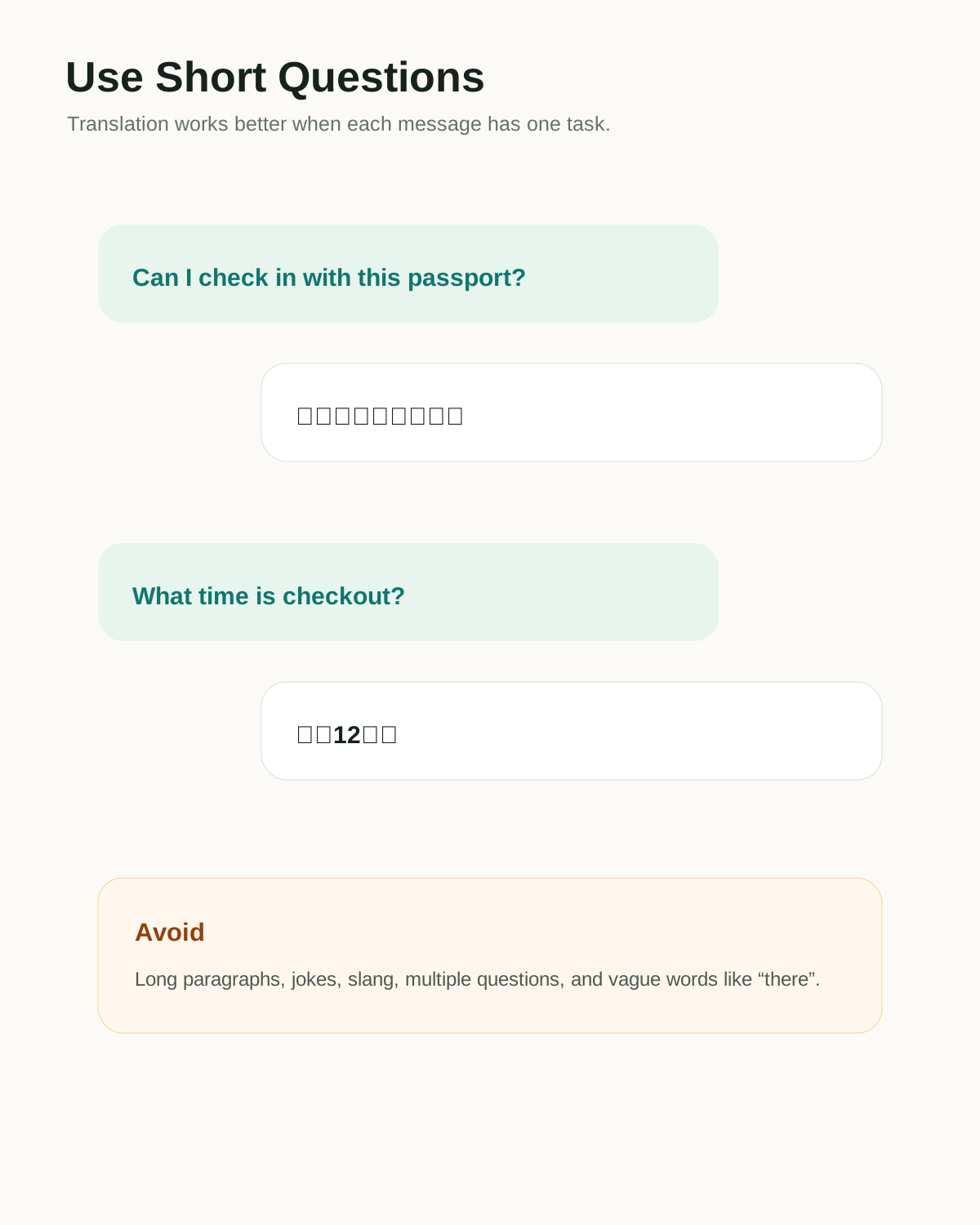
Translation quality drops when messages are long, emotional, or packed with several questions. Ask one task at a time: Can I check in with this passport? What time is checkout? Can I pay with Alipay? Is there peanut in this dish? Then wait for the answer and confirm the detail.
Avoid jokes, slang, idioms, and vague words like 'there' or 'that one' when using translation apps.
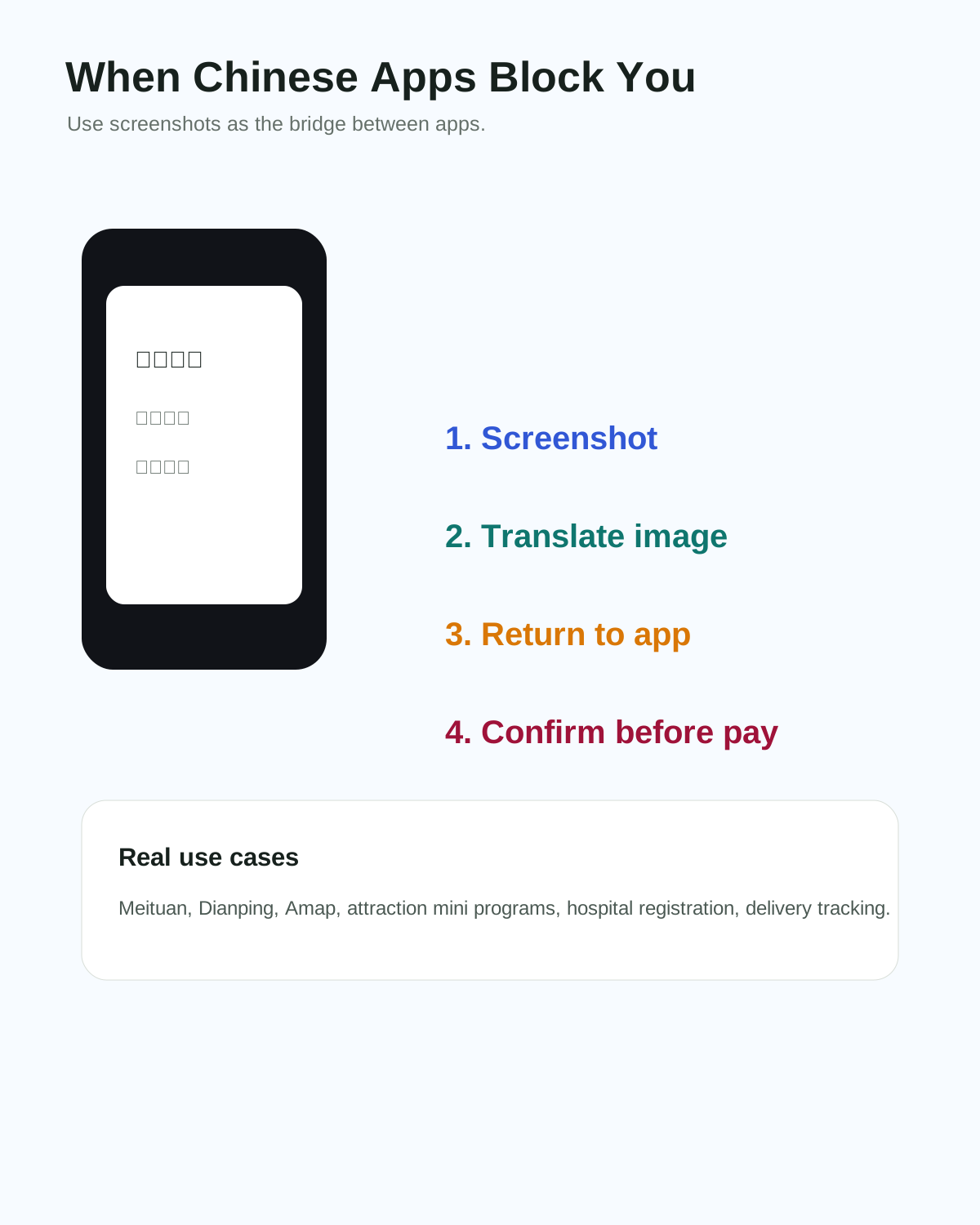
Translate Chinese app screens with screenshots
Many useful China apps are Chinese-first: Meituan, Dianping, Amap details, hotel mini programs, attraction ticket systems, hospital registration, and delivery tracking. If the app has no English, screenshot the exact screen, translate it, identify the button, then return to the app.
Watch out for coupon, membership, subscription, or deposit popups. Translation may make them look less risky than they are.
Confirm the important details before acting
For low-risk tasks, translation is enough. For high-risk tasks, confirm. Check date, time, station, gate, address, amount, passport name, document type, allergen, spice level, refund rule, and whether the payment has actually completed. Ask staff to point to the screen if needed.
This habit prevents wrong stations, wrong restaurants, wrong ticket dates, and unsafe food orders.
Troubleshooting
Common problems and fixes
- Google Translate or Google Lens will not load: use a VPN, roaming/eSIM route, Microsoft/Apple/Baidu Translate, or an offline phrase card.
- Camera translation is wrong: take a clearer photo, crop the text, try another app, or ask staff to type the phrase.
- Voice translation fails in noise: switch to typed messages and show the screen.
- Chinese app popup is confusing: screenshot it, translate, and avoid tapping bright buttons until you understand whether it is payment, coupon, membership, or consent.
- Driver calls in Chinese: message them in the ride-hailing app or show/send a short translated line asking them to text.
- Staff answer too much at once: ask them to write or point to the exact time, price, address, or option.
Important warnings
- Do not rely on one translation app for every China situation.
- Do not put sensitive passport, medical, or payment information into random translation websites or unknown apps.
- Do not trust machine translation for life-threatening allergies or official policy without confirmation.
- Do not use long paragraphs when a short phrase or yes/no question would work better.
- Do not let translation confidence replace common sense around payments, addresses, and dates.
Best route and backup plan
Recommended route
- Before arrival: install two translation tools, download offline support where possible, save phrase cards, and save hotel/destination addresses in Chinese.
- During travel: use camera translation for reading, WeChat translate for chats, and short typed questions for staff.
- Before acting: confirm the one detail that matters most: price, time, address, document, allergy, or payment status.
Backup options
- Ask hotel staff, station staff, restaurant staff, or a trusted local contact for help.
- Use screenshots and highlight the exact button or error.
- Switch from voice to typed text if the environment is noisy.
- Use simple yes/no confirmation and written numbers for high-risk details.
FAQ
Can I travel in China without speaking Mandarin?
Yes, many travelers do, but you need preparation: payment apps, map apps, translation tools, Chinese addresses, and offline phrase cards.
Which translation app works best in China?
There is no single perfect answer. Microsoft, Apple, Baidu, Google with VPN/eSIM/roaming, and Pleco-style dictionary support can all help in different situations. Use at least two.
Does Google Translate work in mainland China?
It may require VPN, roaming, or foreign eSIM routing because Google services can be restricted. Download offline language support and keep a non-Google backup.
Is WeChat translation useful?
Yes. Long-pressing messages in WeChat can translate chats, which is very useful for hotels, drivers, couriers, local contacts, and service providers.
How do I translate Chinese apps?
Take a screenshot, translate the image in your translation app, then return to the Chinese app and tap carefully. Repeat for popups and checkout screens.
Can translation apps handle restaurant allergies?
They can help, but they are not enough for serious allergies. Use a clear Chinese allergy card and ask staff to confirm ingredients directly.
What should I save offline?
Save hotel address, passport-name format notes, emergency phrases, allergy/diet cards, restroom phrase, payment phrases, and screenshots of important bookings.
China’s essential messaging, payments, mini program, and everyday identity app.
Keep going
Related practical guides

Useful Chinese Phrases for Travelers in China
A practical China travel phrasebook for payment, taxis, hotels, restaurants, toilets, allergies, and emergencies, designed for foreigners who need useful Chinese fast.

How to Set Up Amap in China as a Foreigner
Set up Amap, also called Gaode Maps, so you can search Chinese addresses, navigate metro/walking routes, save places, and use local map data in China.

How to Order Food in Restaurants in China
Use QR-code restaurant menus, translate Chinese dishes, customize orders, pay with WeChat Pay or Alipay, and ask staff for help when the mini program is confusing.