
How to Buy China High-Speed Train Tickets with Trip.com
- Topic
- Transport· Essential
- Difficulty
- Easy
- Time needed
- 10-15 minutes
- Last updated
- Aug 8, 2026
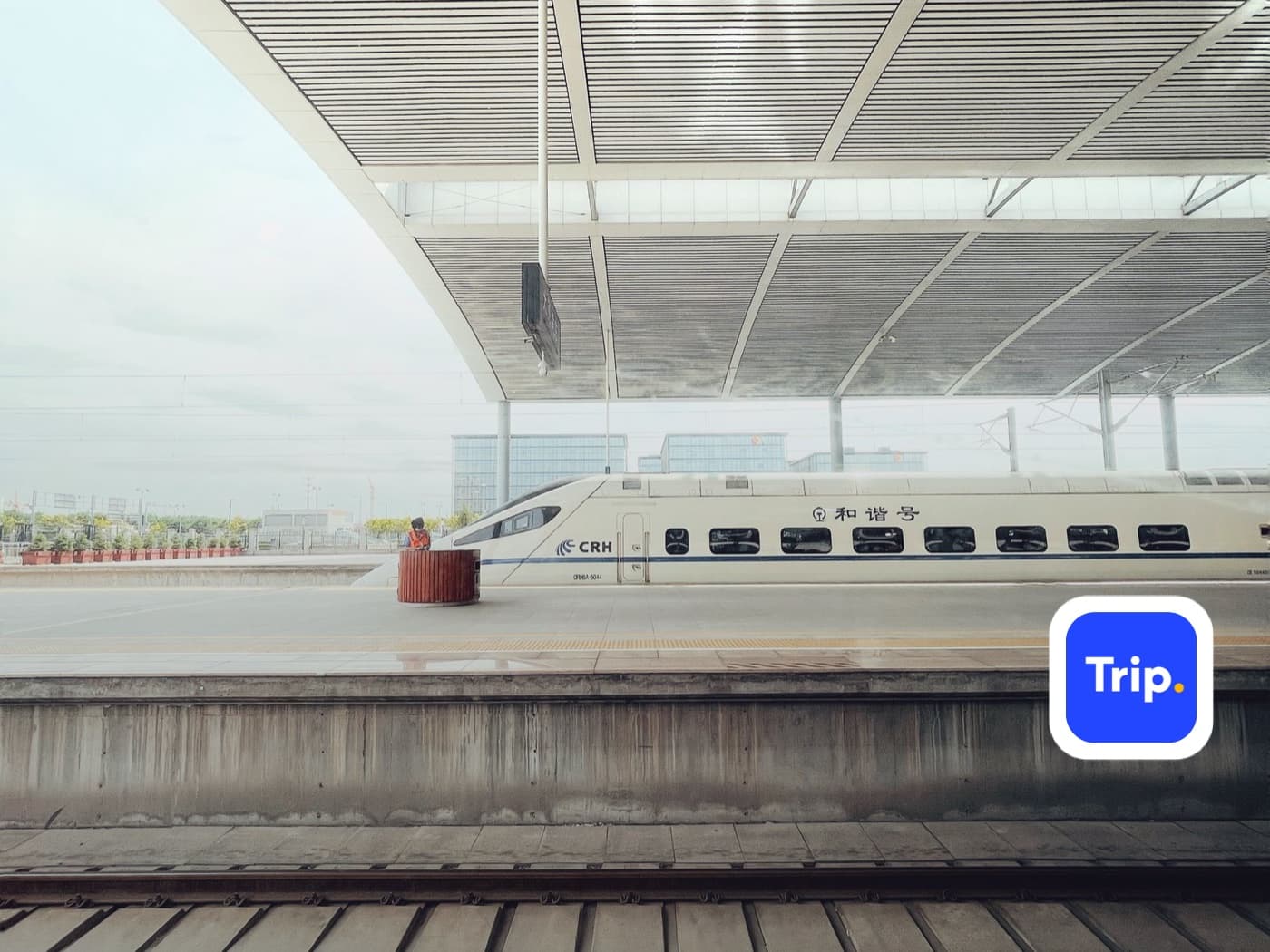
Quick answer
- Book on Trip.com's Trains tab with a passport. No Chinese ID, no Chinese bank account, and the interface is in English.
- Check which station each train uses. Shanghai has Hongqiao and Songjiang; Hangzhou has Hangzhoudong and Hangzhounan. They are nowhere near each other.
- Set ID Type to Passport and copy the name exactly as printed. A mismatch stops you at the station gate, not at booking.
Step-by-step guide
Step 1
Open the Trains tab
Trip.com's home screen has four main tabs. Tap Trains — the same app that handles your flights and hotels sells Chinese rail. You are buying real 12306 inventory through an English front end, so the seats and prices are the same ones locals see.
Step 2
Enter your route and date
Fill in the departure city, the arrival city, and the date. Leaving the city as (Any) shows every station in that city, which is what you want on a first search — you can narrow down once you see the options.
Step 3
Compare trains — and check which station each one uses
Results show departure and arrival times, journey length, train number, and price. Read the station names, not just the times. In this list, three trains to Hangzhou leave from two different Shanghai stations and arrive at two different Hangzhou stations.
Step 4
Choose a seat class
Tap a train to expand its seat classes with live availability. Second Class is the normal choice. First Class costs roughly half again. Business Class is the most expensive and sells out first. Standing is the same price as Second Class but comes with no seat at all.
Step 5
Know what each class actually gets you
Second Class is three-plus-two seating, comparable to economy on a plane but with more legroom. First Class is two-plus-two with wider seats. Business Class is a lie-flat armchair, one-plus-two, with more service. On journeys under two hours, Second Class is almost always enough.
Step 6
Set ID Type to Passport and copy the details exactly
On the passenger screen, change ID Type to Passport, then enter your name and passport number exactly as printed. Trip.com warns you directly: enter the information exactly as it appears on your ID, or you will not be able to enter the station and board the train.
Step 7
Pay with a foreign card
Choose Apple Pay, a credit or debit card, PayPal, or instant bank transfer. Visa, Mastercard, JCB, Amex, and UnionPay are all accepted. Note the countdown at the top — you have about an hour to complete payment before the seat is released.
Keep going
Related practical guides
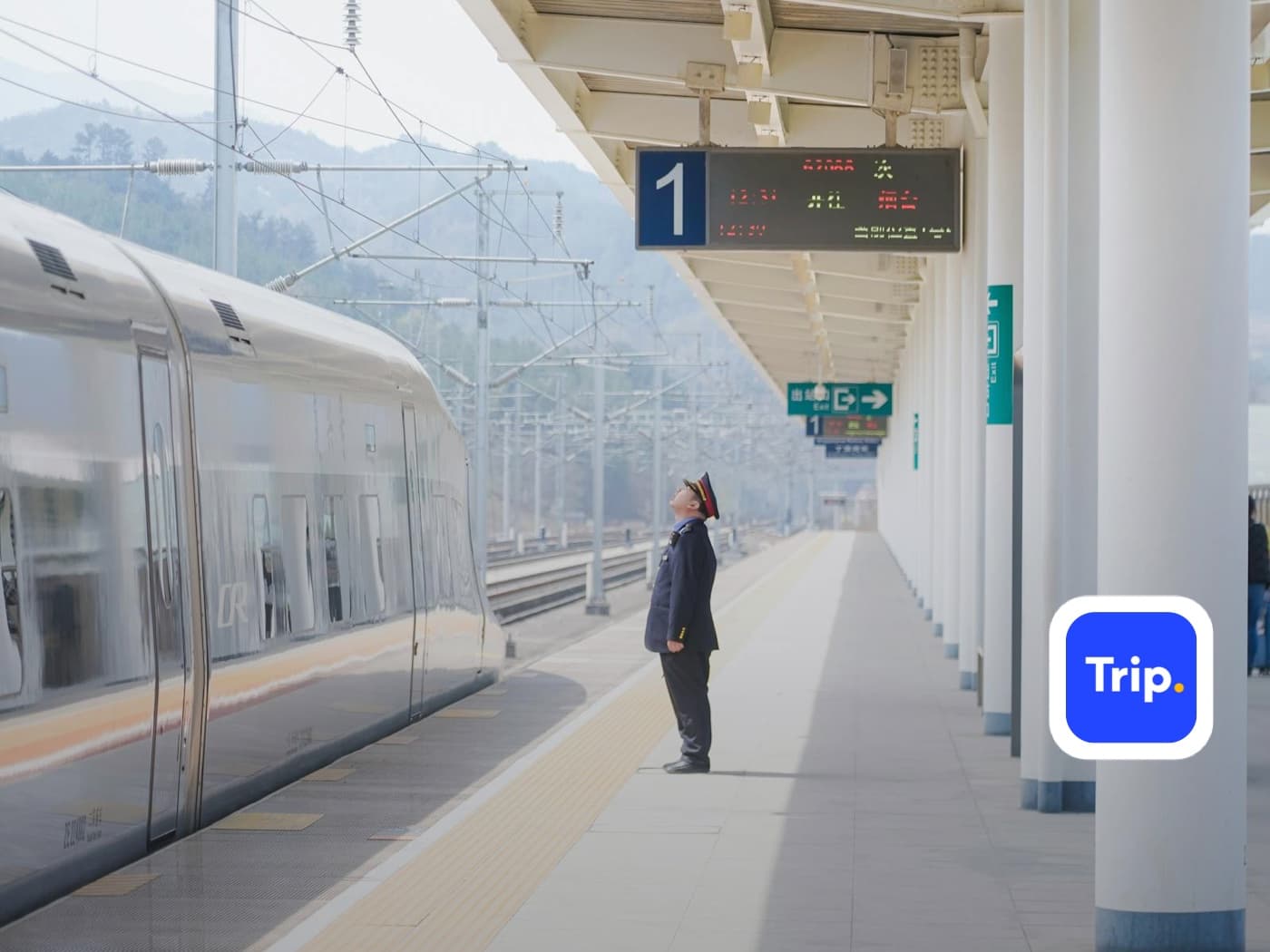
How to Board a High-Speed Train in China
Get from station entrance to your seat: passport identity check, security, reading the departure board, finding your boarding gate, standing at the right carriage position, and storing luggage.
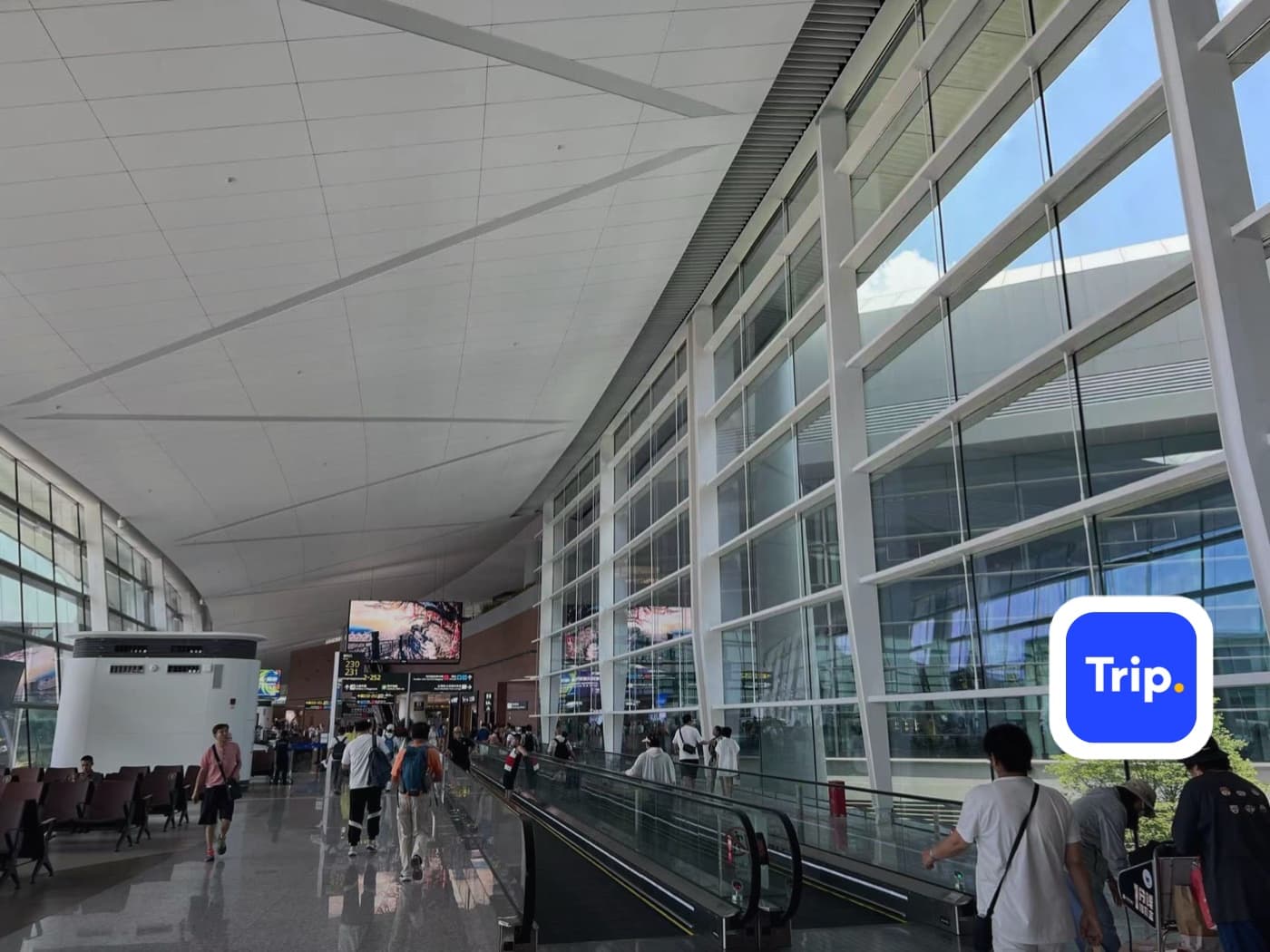
How to Book China Flights with Trip.com
Book international and domestic China flights on Trip.com with a foreign card: search a route, pick the right airport, enter passport details correctly, and pay without a Chinese bank account.
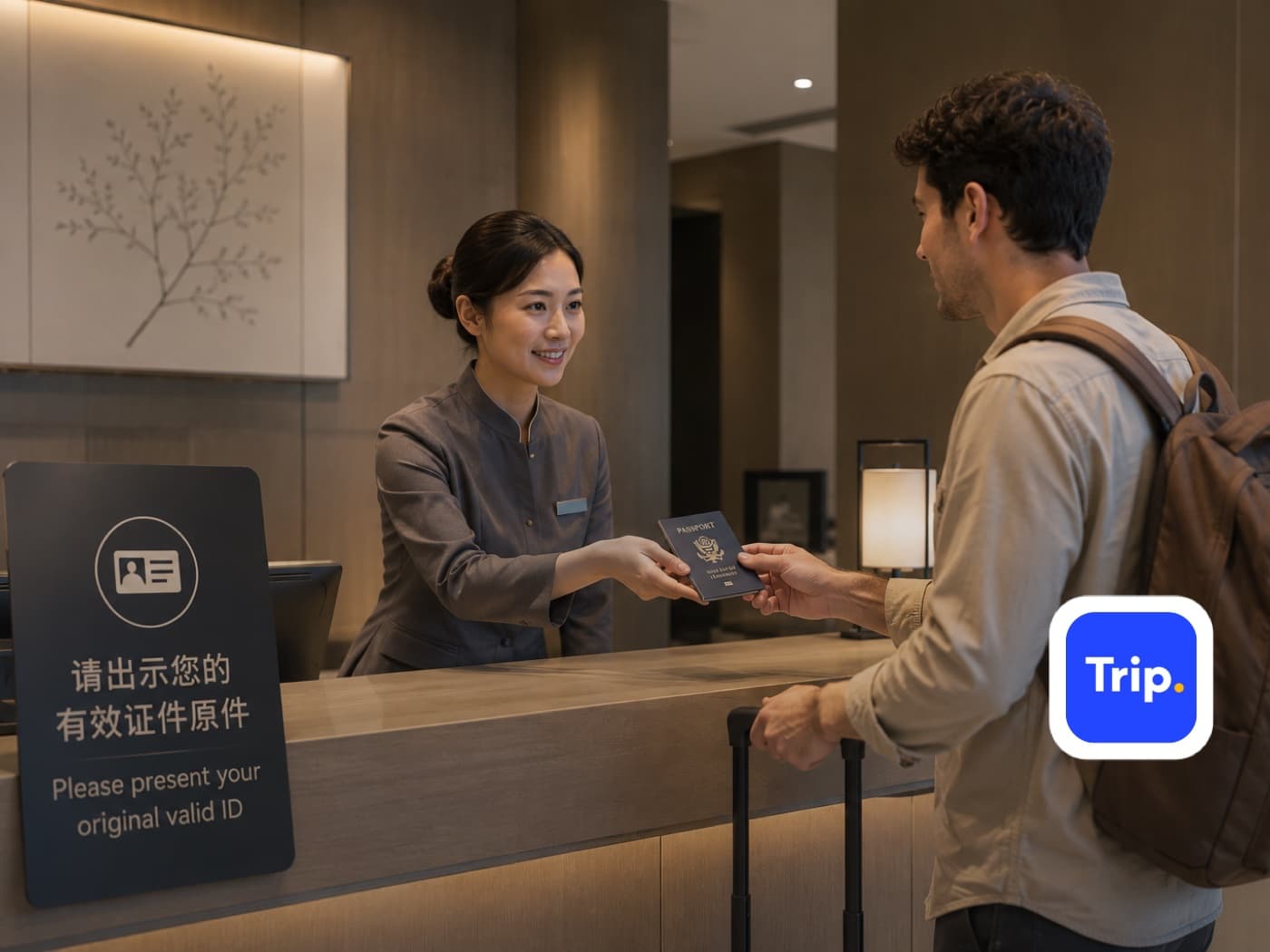
How to Book China Hotels with Trip.com
Book a China hotel on Trip.com that will actually check you in: search by city, confirm the property accepts foreign guests, pay with a foreign card, and arrive with the address in Chinese and your passport in hand.
Before you rely on it
Q&A
Do I need a Chinese ID or bank account to book train tickets?
No. Trip.com sells Chinese rail against a passport and takes foreign cards, Apple Pay, and PayPal. You never need a Chinese ID, phone number, or bank account.
Is Trip.com or 12306 better?
12306 is the official system and slightly cheaper, but its foreigner registration and payment flow is difficult. Trip.com adds a small booking fee for an English interface and foreign card support. For a short trip, Trip.com is usually worth it.
Do I get a paper ticket?
No. Your passport is the ticket. Station staff scan or check it against the booking, so bring the same physical passport you entered at booking.
What happens if I mistype my passport name?
You will be stopped at the station identity check. Contact Trip.com support as soon as you notice — the sooner you catch it, the more likely it can be corrected rather than cancelled and rebooked.
Which station should I choose?
Check both ends against where you actually are and where you are going. Shanghai Hongqiao is central and connects to the metro; Shanghai Songjiang is far out. Hangzhoudong (East) and Hangzhounan (South) are different parts of the city.
What is a standing ticket?
A ticket with no seat, sold at the same price as second class once seats sell out. You can stand or sit in the vestibule. Fine for a short hop, difficult on a long journey with luggage.
How far ahead should I book?
Several days on popular routes, and as far ahead as possible around Chinese public holidays, when trains sell out completely and there is no standby list.
Should I take the train or fly?
Under about five hours of rail time, the train usually wins door to door: stations are central, security takes minutes rather than an hour, and delays are rarer.
Can I change or cancel a train ticket?
Usually yes, with a fee that increases closer to departure. Manage it through My Bookings in the app rather than at the station, which is faster and in English.
Is second class comfortable enough?
Yes for most journeys. It is three-plus-two seating with more legroom than an economy flight, plus power sockets and luggage racks. First class is worth it mainly on trips over about three hours.