
How to Use Shared Bikes in China
- Topic
- Transport
- Difficulty
- Easy
- Time needed
- 5-10 minutes
- Last updated
- Jul 1, 2026
Quick answer
- Open Alipay, tap Scan, and scan the QR code on the bike handlebar or lock.
- Tap Unlock Bike, wait for the lock to click open, then ride in bike lanes where possible.
- When you finish, park in an allowed area, slide to lock and return, and confirm the payment screen shows the ride has ended.
Step-by-step guide
Step 1
Know your bikes — the colours matter
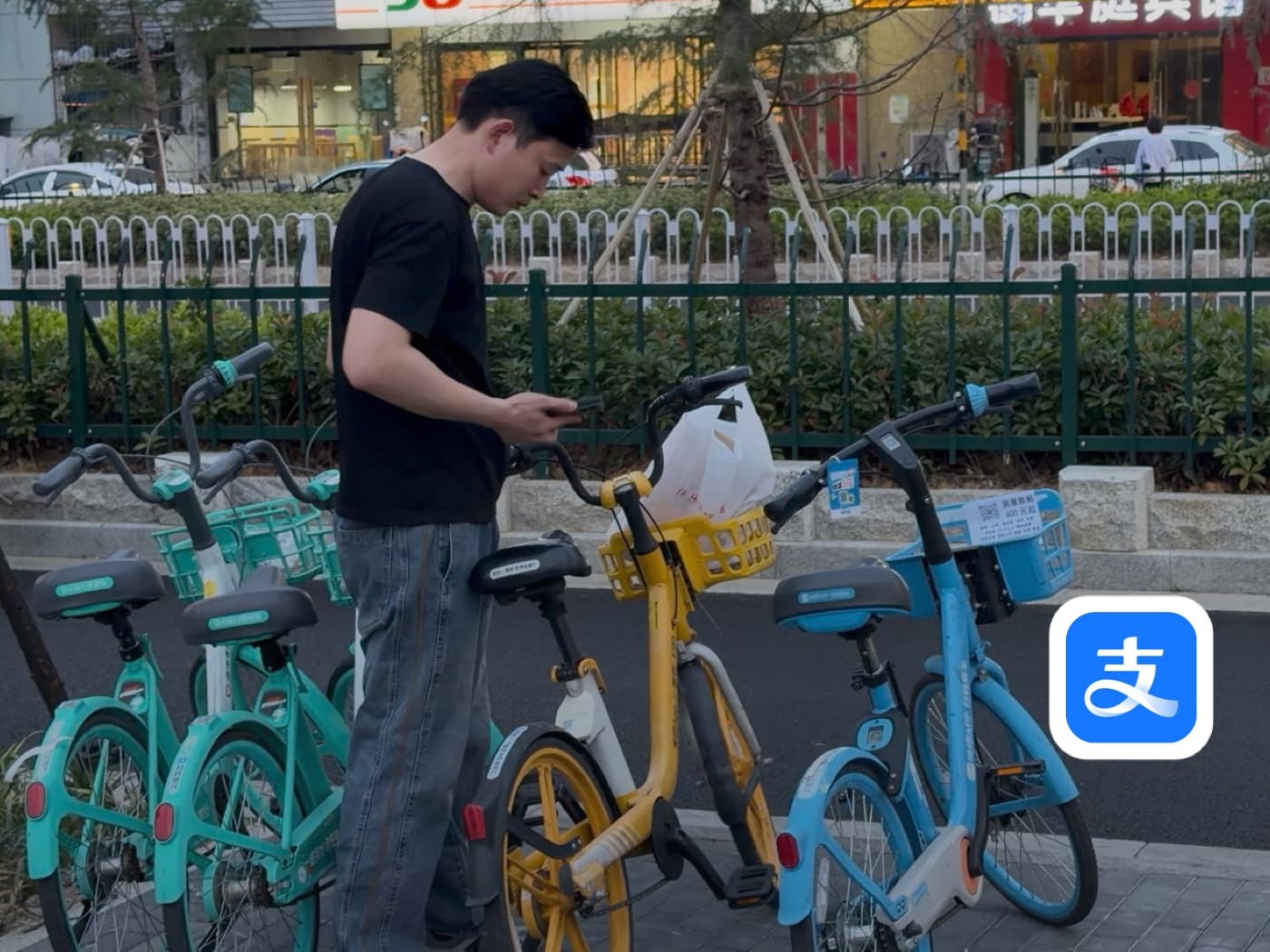
You will see three main colours, and each brand pairs with a different app. Blue bikes are usually HelloRide and unlock with Alipay, which has the best English support. For most foreign visitors this is the easiest bike to use, so look for a blue one first. Green or mint bikes are usually DiDi Qingju and are often unlocked through DiDi or Alipay. Yellow bikes are usually Meituan and are often unlocked through Meituan or WeChat.
Step 2
Open Alipay and tap Scan
Open Alipay and tap Scan in the top-left area of the home screen. This is the same scanner you use for shop payments, QR menus, and many other daily-life tasks in China.
Step 3
Point your camera at the QR code on the handlebars
Hold your phone over the QR code in the center of the handlebars or near the bike lock. Let the camera focus. Alipay should recognize the bike and open the ride page automatically.
Step 4
Unlock the bike
On the ride page, tap Unlock Bike. You should hear the lock click open. The bike is now active and the ride timer may start.
Step 5
When you're done, park inside a designated zone and reopen the ride page
This is the most important step to get right. Shared bikes can only be returned inside official parking zones. Park inside one, then reopen the ride page in Alipay. Tap Scan again or reopen HelloRide from your recent apps to begin returning the bike.
Step 6
Slide right to lock and return
On the ride page, press and hold the slider and drag it to the right to lock and return the bike. Wait for the confirmation that the ride has ended.
Step 7
Confirm payment
Your fare appears on screen (in this example, 1.8 yuan). Tap Pay Now and Alipay charges it automatically - no cash, no separate app.
Keep going
Related practical guides
How to Set Up Alipay as a Foreigner in China
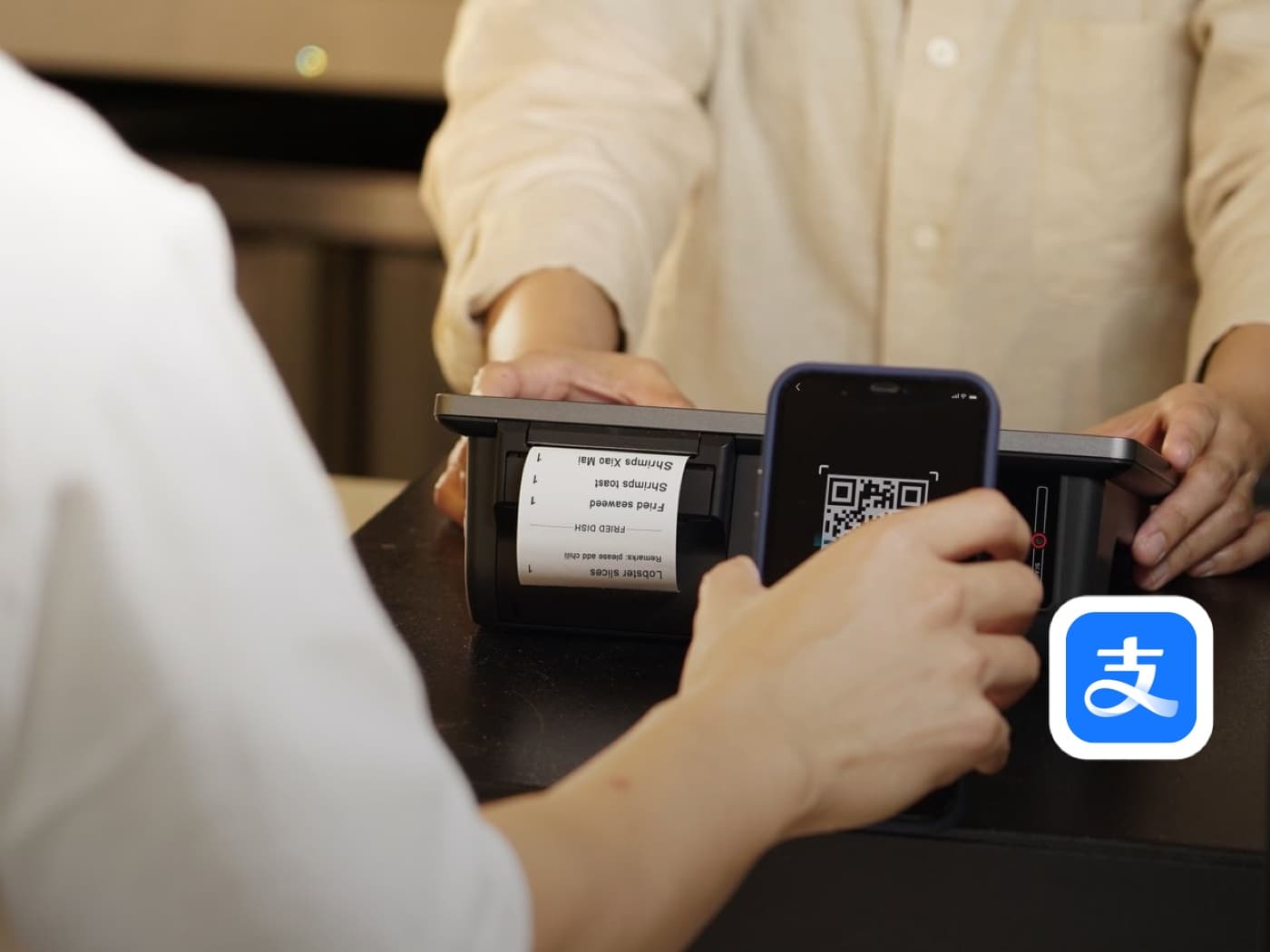
Set up Alipay before you arrive: register, verify your passport, and link a foreign card so you can pay by QR code from your first day in China.

How to Set Up and Use AMap in China
Set up AMap Global with a foreign phone number, then search places, read a location page, compare metro, driving, walking, and cycling routes, and get around China in English.
How to Board a High-Speed Train in China
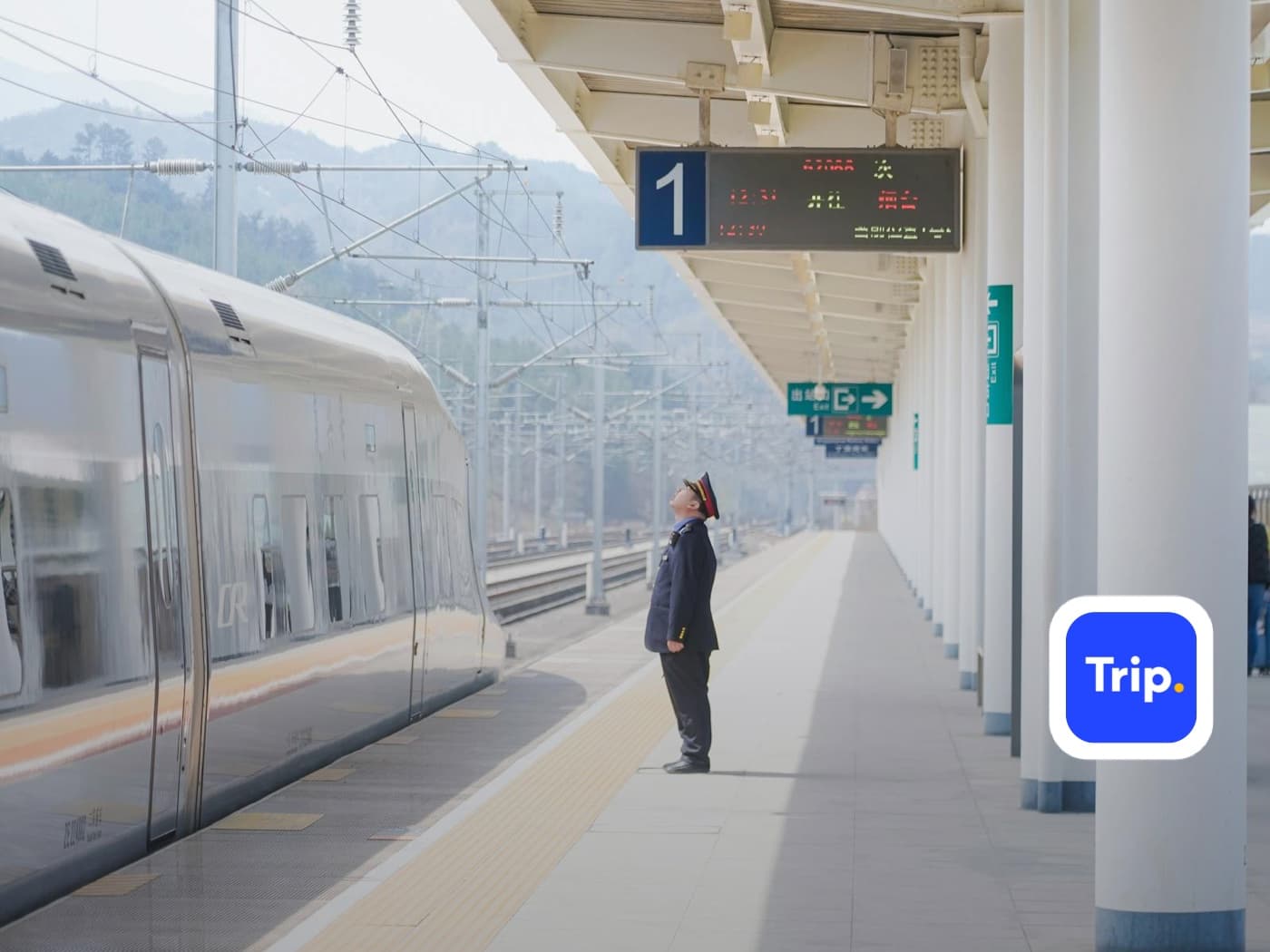
Get from station entrance to your seat: passport identity check, security, reading the departure board, finding your boarding gate, standing at the right carriage position, and storing luggage.
Before you rely on it
Q&A
Can foreigners use shared bikes in China?
Often yes. The easiest route for many visitors is to scan a shared bike through Alipay after Alipay payment has been set up.
Do I need to download a separate bike app?
Not always. This guide uses Alipay Scan, so you can unlock supported bikes from inside Alipay instead of downloading a separate bike app.
How much does a shared bike ride cost?
Short rides are usually inexpensive, often only a few yuan, but pricing depends on city, brand, ride time, account status, and any ride pass shown in the app.
Where should I park the bike?
Use a permitted parking area: painted pavement boxes, street bike parking zones, rows of other bikes, or the parking area shown in the app.
What if the bike does not unlock?
Do not force the lock. Wait briefly, check the app, and choose another bike if it still fails.
What if the ride will not end?
Move the bike into a valid parking zone, make sure the lock is closed, refresh the app, and contact in-app support if the order still looks active.
Is it safe to use shared bikes in China?
It can be safe for short trips on suitable roads, but ride conservatively. Use bike lanes where possible and avoid roads that feel too fast or confusing.