

Trip.com
A foreigner-friendly booking app for China hotels, domestic flights, high-speed trains, and travel support.
Setup
10-20 minutes
Cards
Good
English
Good
What this app is used for
Where Trip.com fits into China daily life
- Booking hotels with clearer English support and foreigner-friendly customer service.
- Booking domestic China flights with passport details, baggage rules, airport, and terminal information.
- Booking or comparing high-speed train tickets when 12306 feels difficult.
- Managing travel changes, cancellations, booking confirmations, and support conversations.
Download official app
Use official download sources
Download from official app stores or the developer website when available. Avoid random APK mirrors, cloned apps, rented numbers, or unofficial setup services.
Best guides using this app
Open the task guide when you are ready to do the thing.
This page explains the app. These guides explain the real payment, transport, hotel, food, or daily-life workflow.

How to Book a Hotel in China as a Foreigner
Choose a hotel that can host foreign guests, confirm passport registration, and prepare check-in details.
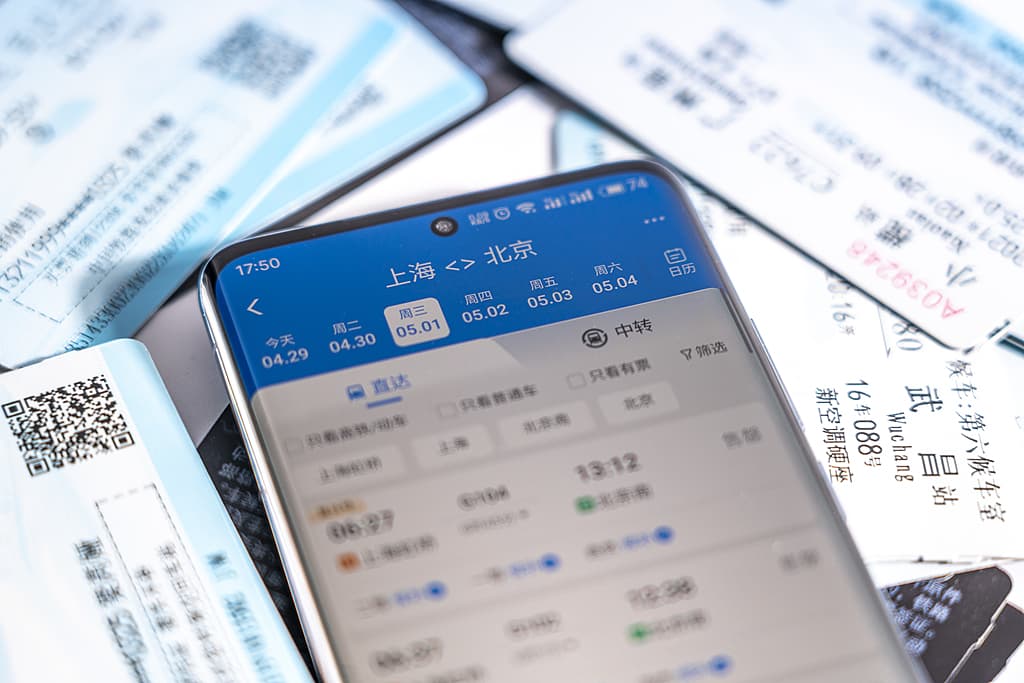
How to Buy High-Speed Train Tickets in China
Use 12306 or a foreigner-friendly platform, enter passport details correctly, choose the right station, and board with confidence.

How Hotel Check-In Works for Foreigners in China
Prepare for passport registration, foreign guest acceptance, deposits, and arrival timing.